What is Git and GitHub?
Complete Git & GitHub guide • Step-by-step version control
Git & GitHub Fundamentals:
Show Git SimulatorGit is a distributed version control system that tracks changes in files and coordinates work among multiple developers. GitHub is a web-based hosting service for Git repositories that provides collaboration features like pull requests, issue tracking, and project management tools.
Key Git & GitHub concepts:
- Version Control: Tracking changes to files over time
- Repositories: Storage locations for project files
- Branching: Creating separate lines of development
- Merging: Combining changes from different branches
Git enables developers to work collaboratively on projects while maintaining a complete history of changes. GitHub extends Git's functionality with social features, making it easier to share code and collaborate on open-source projects.
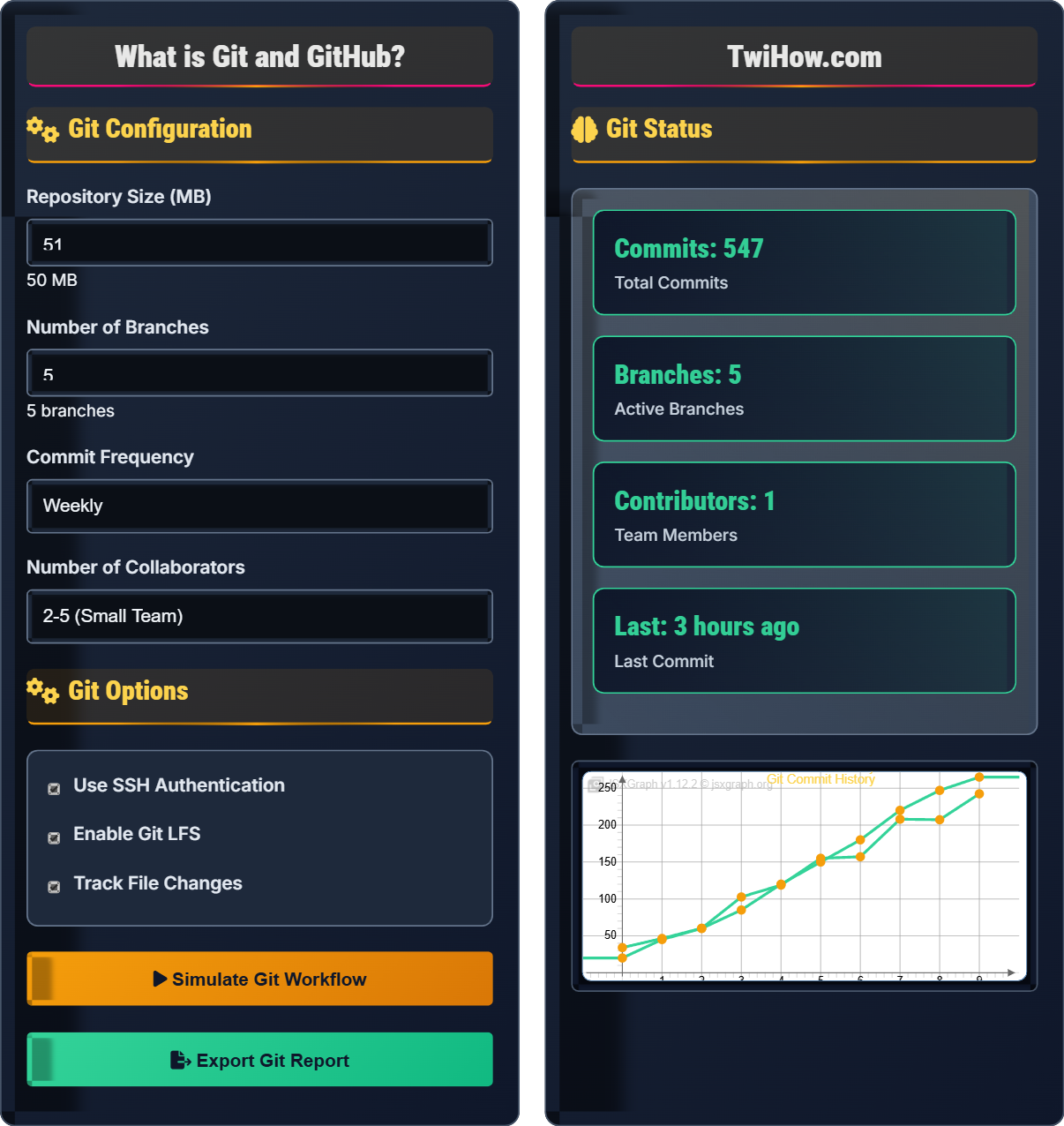
Git Configuration
Git Options
Git Status
| Branch | Commits | Status | Last Update |
|---|---|---|---|
| main | 123 | ✓ Merged | 2h ago |
| develop | 89 | ✓ Merged | 1d ago |
| feature/auth | 24 | ✓ Merged | 2d ago |
| feature/ui | 15 | ✗ Open | 3d ago |
| bugfix/login | 6 | ✓ Merged | 4d ago |
What is Git and GitHub?
Git is a distributed version control system that tracks changes in files and coordinates work among multiple developers. It allows developers to save snapshots of their project at different points in time, creating a complete history of changes. Git operates locally on your computer and can synchronize with remote repositories hosted on platforms like GitHub, GitLab, or Bitbucket.
Git and GitHub are related but distinct:
Where:
- Git: Command-line tool for version control
- GitHub: Web-based hosting service for Git repositories
- Relationship: GitHub hosts Git repositories with additional features
git init.
git add.
git commit.
git push.
git pull.
Key Git concepts that every developer should understand:
- Repository: Storage location for project files and history
- Commit: Saved snapshot of changes
- Branch: Separate line of development
- Merge: Combining changes from different branches
- Clone: Creating local copy of remote repository
- Pull Request: Proposal to merge changes (GitHub feature)
- History: Complete record of all changes
- Collaboration: Multiple developers working together
- Backup: Distributed copies across systems
- Experimentation: Safe branching for new features
- Rollback: Ability to revert to previous states
- Parallel Development: Multiple features developed simultaneously
Git & GitHub Essentials
Version control, repositories, commits, branches, merges, pull requests, cloning, staging.
Change → Add → Commit → Push → Pull Request → Merge
Where Change = code modification, Add = staging changes, Commit = saving changes.
- Commit frequently with meaningful messages
- Use feature branches for new development
- Keep commits small and focused
Common Commands
git init, git clone, git add, git commit, git push, git pull, git branch, git checkout, git merge.
- Setup: git init, git config
- Modify: git add, git commit
- History: git log, git diff
- Sync: git push, git pull
- Branch: git branch, git checkout
- Write descriptive commit messages
- Use .gitignore for unnecessary files
- Verify changes before committing
- Resolve conflicts promptly
Git & GitHub Quiz
What is the primary purpose of Git?
Git is a distributed version control system designed to track changes in files and coordinate work among multiple developers. It maintains a complete history of changes, allows branching and merging, and enables collaboration on software projects. While Git can be used for any type of file, it's primarily used for source code management.
The answer is B) Version control and tracking changes.
Understanding Git's core purpose is fundamental to effective version control. Git solves the problem of managing multiple versions of files, especially when multiple people are working on the same project. It creates a complete history of changes, allowing developers to see who made what changes when, and to revert to previous states if needed.
Version Control: Managing changes to files over time
Distributed: Multiple copies of repository exist
Commit: Saved snapshot of changes
• Git tracks changes to files
• Maintains complete history
• Enables collaboration
• Use git status to check current state
• Commit frequently with good messages
• Verify changes before committing
• Confusing Git with GitHub
• Not committing changes regularly
• Writing poor commit messages
Explain the difference between Git and GitHub. How do they work together, and why is it important to understand both?
Git: A distributed version control system that runs locally on your computer. It's a command-line tool that tracks changes in files, manages branches, and handles commits. Git operates independently of any server.
GitHub: A web-based hosting service that stores Git repositories in the cloud. It provides additional features like pull requests, issue tracking, project management, and social collaboration tools.
How They Work Together: Git manages your local repository and version history, while GitHub serves as a central hub for sharing and collaborating on projects. You use Git commands to push and pull changes to/from GitHub repositories.
Importance: Understanding both is crucial for modern software development. Git provides the version control foundation, while GitHub enables collaboration, code review, and project management.
Many beginners confuse Git and GitHub, but they serve different purposes. Git is the engine that powers version control, while GitHub is one of many platforms that host Git repositories. You can use Git without GitHub (with other platforms like GitLab or Bitbucket), but GitHub has become the de facto standard for open-source collaboration.
Version Control System: Tracks changes to files over time
Hosting Service: Stores repositories in the cloud
Distributed: Multiple copies exist across systems
• Git works locally, GitHub is remote
• Git is free software, GitHub is a service
• Both are essential for modern development
• Learn Git commands before GitHub features
• Use GitHub for collaboration and hosting
• GitHub offers more than just Git hosting
• Thinking Git and GitHub are the same thing
• Not understanding the local vs remote concept
• Overlooking Git fundamentals in favor of GitHub features
You're part of a team of 5 developers working on a web application. Describe a Git workflow that would allow everyone to contribute effectively while minimizing conflicts and maintaining code quality. Include branching strategy, commit practices, and collaboration protocols.
Branching Strategy: Use Git Flow or GitHub Flow. Main branch for production, develop branch for integration, feature branches for individual work.
Workflow: Create feature branches from develop, work on features, submit pull requests to develop, code review, merge after approval.
Commit Practices: Small, focused commits with descriptive messages. Use conventional commit format (feat:, fix:, docs:, etc.). Verify changes before committing.
Collaboration Protocols: Daily standups to discuss work, assign reviewers for pull requests, use issue tracking, maintain up-to-date local develop branch.
Quality Assurance: Automated tests, code review requirements, branch protection rules, continuous integration.
Effective team workflows require standardized processes that everyone follows. The key is balancing flexibility for individual work with coordination for team collaboration. Branching strategies like Git Flow provide structure while allowing parallel development.
Git Flow: Structured branching model
Pull Request: Proposal to merge changes
Code Review: Peer review of changes
• Use feature branches for development
• Code review before merging
• Keep commits small and focused
• Sync with main branch regularly
• Use descriptive branch names
• Rebase instead of merge when appropriate
• Working directly on main branch
• Large commits that are hard to review
• Not syncing with team regularly
You're working on a feature branch when you discover there are merge conflicts with the main branch. Explain a systematic approach to resolve these conflicts, including tools and techniques you would use.
Systematic Conflict Resolution:
1. Identify Conflicts: Run git merge main or git pull origin main to reveal conflicts
2. Locate Conflicts: Look for conflict markers (<<<<<<<, =======, >>>>>>>) in affected files
3. Understand Changes: Review both sets of changes to determine correct implementation
4. Resolve Conflicts: Edit files to incorporate desired changes, remove conflict markers
5. Test Changes: Verify the merged code works as expected
6. Commit Resolution: Add resolved files and commit the merge
Tools: IDE merge tools, command-line editors, Git GUI tools.
Merge conflicts are inevitable in collaborative development. The key is to approach them systematically and understand that they're a normal part of the Git workflow. Good communication with teammates can prevent many conflicts, and proper testing ensures resolved conflicts don't break functionality.
Merge Conflict: When Git cannot automatically combine changes
Conflict Markers: <<<<<<<, =======, >>>>>>> indicators
Resolution: Manual intervention to fix conflicting changes
• Always test after resolving conflicts
• Communicate with team members
• Keep changes focused to minimize conflicts
• Sync with main branch frequently
• Use rebase to keep history linear
• Ask teammates for context on changes
• Resolving conflicts without understanding changes
• Forgetting to remove conflict markers
• Not testing resolved conflicts
Which of the following is NOT a feature provided by GitHub?
GitHub provides web-based features for collaboration and project management, but local repository management is handled by Git itself. GitHub hosts remote repositories and provides tools for collaboration, but the actual version control operations (add, commit, branch, merge) are performed using Git commands on your local machine. GitHub facilitates remote operations like pushing and pulling.
The answer is C) Local Repository Management.
This question highlights the distinction between Git (local version control) and GitHub (remote hosting and collaboration). While GitHub enhances Git's functionality, the core version control operations are still performed by Git itself. Understanding this separation is crucial for effective use of both tools.
Pull Request: Proposal to merge changes between branches
Issue Tracking: Managing tasks and bugs
Local Repository: Git repository on your computer
• Git manages local repositories
• GitHub hosts remote repositories
• Use Git for version control operations
• Use Git for all version control tasks
• Use GitHub for collaboration features
• Understand the local-remote workflow
• Thinking GitHub does local version control
• Confusing Git commands with GitHub features
• Not understanding the client-server relationship
FAQ
Q: Do I need to know Git before using GitHub?
A: Yes, you absolutely need to understand Git before using GitHub effectively. Git is the underlying version control system that tracks changes, manages branches, and handles commits. GitHub is simply a web-based platform that hosts Git repositories and adds collaboration features. Without understanding Git commands and concepts like commits, branches, and merging, you won't be able to properly manage your code on GitHub. Start with learning basic Git commands like git init, git add, git commit, git push, and git pull before exploring GitHub's interface and features.
Q: Is Git only used for software development, or can it be used for other types of projects?
A: Git can be used for any type of file management project, not just software development. While Git is most commonly associated with code, it can track changes to any type of file including documents, images, configuration files, research papers, and even design assets. However, Git is optimized for text files and may not handle binary files as efficiently. For software development, Git's features like branching, merging, and diffing work exceptionally well with source code. For other file types, Git still provides valuable version control, though other specialized tools might be more appropriate for certain scenarios.