How Do AI Voice Assistants Compare in Accuracy and Privacy?
Complete comparison guide • Step-by-step explanations
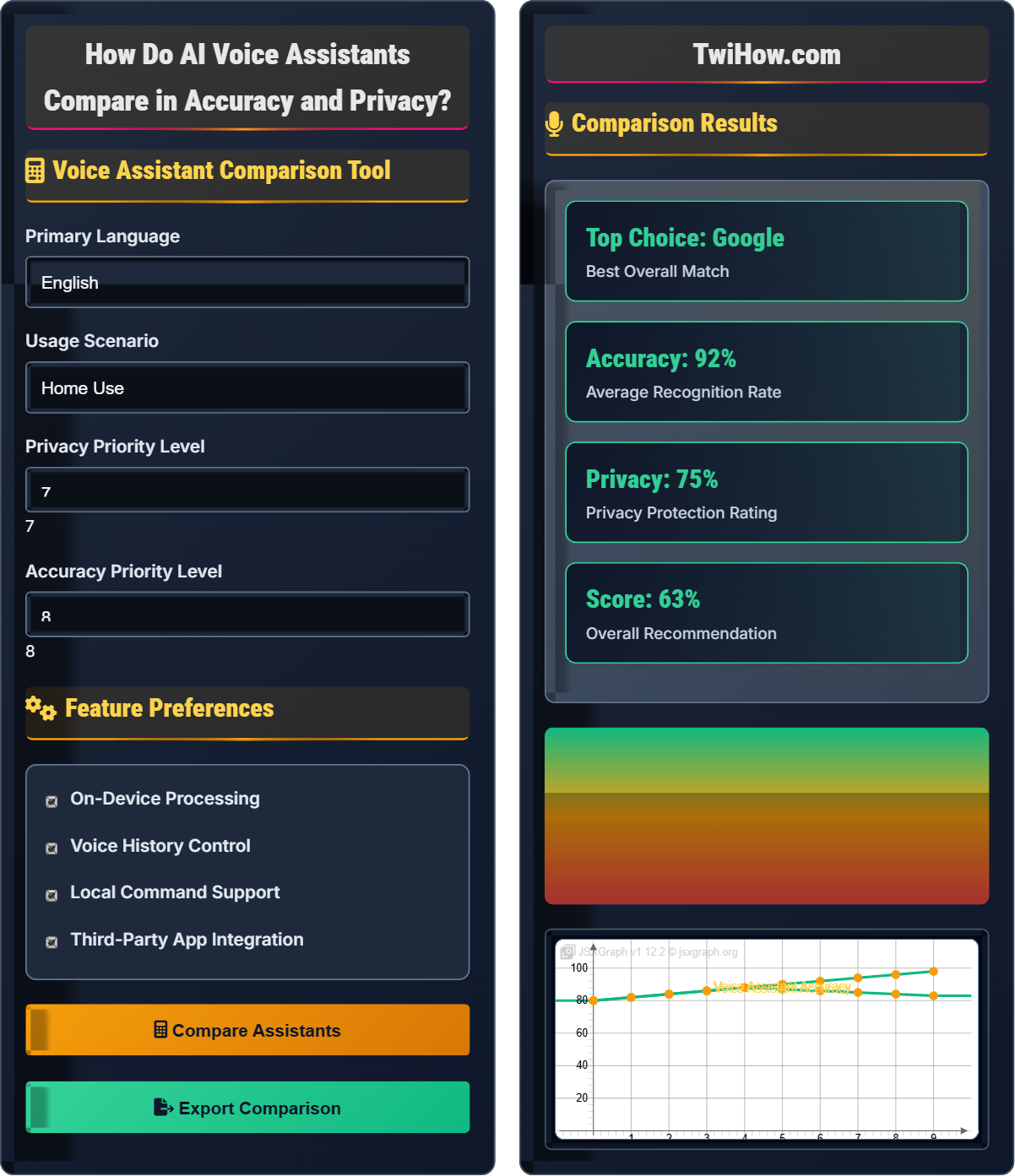
Voice Assistant Comparison:
Show Comparison ToolAI voice assistants vary significantly in accuracy and privacy features. While all major platforms use sophisticated speech recognition technology, their performance differs based on language support, acoustic modeling, and contextual understanding. Privacy implementations also vary widely, from on-device processing to cloud-based data collection.
Key comparison factors:
- Speech Recognition Accuracy: Word error rates and comprehension
- Privacy Controls: Data collection, storage, and deletion policies
- On-Device Processing: Local vs cloud-based computation
- Data Retention: How long and what type of data is stored
Popular voice assistants like Siri, Alexa, and Google Assistant each have unique strengths and trade-offs between convenience and privacy. Understanding these differences helps users make informed choices about their digital assistants.
Voice Assistant Comparison Tool
Feature Preferences
Comparison Results
Voice Assistant Comparison Explained
Voice assistants use sophisticated speech recognition technology to convert spoken words into text and then process those commands. Performance varies based on language support, acoustic modeling, and contextual understanding capabilities.
Overall_Performance = (Accuracy × Weight_Accuracy) + (Privacy × Weight_Privacy) + (Features × Weight_Features)
Where:
- Accuracy: Speech recognition and command execution success rate
- Privacy: Data handling, storage, and user control measures
- Features: Capabilities, integrations, and customization options
- Weights: User-defined importance factors
Areas for voice assistant evaluation:
- Speech Recognition: Accuracy in converting voice to text
- Context Understanding: Ability to maintain conversation context
- Response Speed: Time from command to response delivery
- Language Support: Coverage of different languages and dialects
- Integration: Compatibility with other services and devices
- Privacy Controls: User control over data collection and usage
- Data Collection: What information is recorded and stored
- Storage Location: Where data is kept and for how long
- User Control: Options for viewing, deleting, or opting out
- On-Device Processing: Local vs cloud-based computation
- Third-Party Sharing: Data sharing with other companies
- Encryption: Security measures for data transmission and storage
Voice Assistant Fundamentals
Speech recognition, natural language processing, voice synthesis, privacy controls, accuracy metrics.
Performance_Score = (Recognition_Accuracy × 0.4) + (Privacy_Score × 0.3) + (Feature_Richness × 0.3)
Where each component is normalized to 0-100 scale.
- Accuracy varies by language and accent
- Privacy policies change frequently
- Real-world performance differs from benchmarks
Applications
Smart homes, productivity, accessibility, entertainment, automotive systems, business applications.
- Home automation
- Calendar and task management
- Information retrieval
- Communication
- Privacy implications
- Accessibility needs
- Integration requirements
- Security concerns
Voice Assistant Comparison Quiz
Which factor most significantly impacts the accuracy of voice assistants?
All factors contribute to voice recognition accuracy, but the speaker's accent and pronunciation (Option C) typically have the most significant impact. Voice assistants are trained on specific language models and may struggle with unfamiliar accents, speech patterns, or pronunciation variations.
Studies show that voice recognition systems can have word error rates up to 35% higher for speakers with strong accents compared to standard pronunciations. This is particularly evident in systems trained primarily on specific regional dialects.
Background noise (Option B) and microphone quality (Option D) also significantly impact accuracy, but accent and pronunciation variations tend to create the most persistent challenges.
The answer is C) Speaker's accent and pronunciation.
This question addresses one of the most significant challenges in voice recognition technology. The underlying issue is that AI models are trained on specific datasets that may not represent the full diversity of human speech patterns. This creates inherent biases in the system that affect accuracy differently across different user populations. Understanding this helps users set realistic expectations and choose systems that best match their linguistic characteristics.
Word Error Rate (WER): Percentage of words incorrectly recognized
Accent Bias: System preference for specific regional speech patterns
Acoustic Model: Component that maps audio signals to phonetic units
• Accuracy varies significantly across different user demographics
• Training data diversity affects system performance
• Accent accommodation requires specific model training
• Speak clearly and consistently with standard pronunciation
• Consider accent-specific training features if available
• Assuming all voice assistants perform equally for all users
• Not accounting for accent-specific limitations
• Expecting perfect accuracy without system training
Compare the privacy policies of major voice assistants (Google Assistant, Siri, Alexa) focusing on data collection, storage, and user control. Include specific examples and recommendations.
Google Assistant:
- Data Collection: Records voice snippets for training, associates with Google account
- Storage: Cloud-based storage with user access to delete history
- User Control: Extensive controls through Google Dashboard, automatic deletion options
- Example: Voice history can be automatically deleted after 3 or 18 months
Siri:
- Data Collection: On-device processing for many requests, cloud processing for complex queries
- Storage: Limited data retention with random identifiers instead of names
- User Control: Siri & Dictation History in Settings, option to disable Siri completely
- Example: Voice recordings are not associated with Apple ID after 2 years
Alexa:
- Data Collection: Continuously listens when activated, stores recordings in cloud
- Storage: Long-term cloud storage with manual deletion required
- User Control: Alexa Privacy Settings, voice history deletion, drop-in controls
- Example: Users must manually delete voice recordings for privacy
Recommendations:
- Review and customize privacy settings regularly
- Enable automatic deletion where available
- Disable voice assistants when not needed
- Understand what data is processed locally vs. in the cloud
This comparison highlights the varying approaches to privacy among major voice assistant providers. Apple emphasizes on-device processing and minimal data retention, Google focuses on user control and transparency, while Amazon has historically collected more data with less automatic deletion. Understanding these differences helps users make informed decisions based on their privacy preferences and needs.
On-Device Processing: Computation performed locally without sending data to servers
Data Retention: How long personal data is stored before deletion
Automatic Deletion: Scheduled removal of user data without manual intervention
• Privacy policies can change without notice
• Default settings often favor data collection over privacy
• User control varies significantly between platforms
• Review privacy settings immediately after setup
• Enable automatic deletion features when available
• Not reviewing default privacy settings
• Assuming all voice assistants have similar privacy protections
• Not utilizing available privacy controls
A family wants to implement a smart home voice assistant system while prioritizing privacy. They have 4 family members with different accents, live in a noisy urban environment, and want to control lights, temperature, and security. Recommend the best voice assistant solution with justification for accuracy and privacy considerations.
Recommended Solution: Apple HomeKit with Siri
Justification:
Privacy Considerations:
- On-Device Processing: Many commands processed locally without internet
- End-to-End Encryption: Communication with HomeKit devices is encrypted
- Minimal Data Retention: Voice recordings are not linked to Apple ID after 2 years
- Local Network Control: HomeKit devices can operate without internet
Accuracy Considerations:
- Multi-User Support: HomePod supports multiple users with voice recognition
- Noise Reduction: Advanced echo cancellation and noise suppression
- Smart Home Integration: Native HomeKit compatibility ensures reliable command execution
- Custom Phrases: Users can create custom shortcuts for better recognition
Implementation Strategy:
- Start with HomePod mini for each room with different accents
- Set up multiple user profiles with voice training
- Configure automatic deletion of voice history
- Use HomeKit-compatible smart home devices for reliability
Alternative: Google Nest with strict privacy settings (automatic deletion, limited data sharing) if HomeKit compatibility is insufficient.
This problem demonstrates how to balance competing requirements in technology selection. The solution prioritizes privacy while addressing accuracy challenges through device-specific features. The multi-step approach considers both technical capabilities and user needs, showing how to make informed decisions based on specific requirements rather than general comparisons.
HomeKit: Apple's smart home framework with enhanced security features
On-Device Processing: Local computation without data transmission
End-to-End Encryption: Secure communication between devices
• Match technology capabilities to specific use cases
• Prioritize user requirements over general performance scores
• Consider both privacy and functionality trade-offs
• Test voice recognition with all intended users
• Configure privacy settings before regular use
• Choose ecosystems with native smart home integration
• Choosing based on general performance rather than specific needs
• Not testing with all intended users and environments
• Failing to configure privacy settings appropriately
A company wants to deploy voice assistants in their office for hands-free calendar management, meeting scheduling, and information retrieval. They have 20 employees with diverse backgrounds and accents, strict privacy requirements, and need integration with existing enterprise tools. Design an implementation plan addressing accuracy and privacy concerns.
Implementation Plan: Hybrid Approach with Google Workspace Integration
Phase 1: Assessment and Planning
- Conduct voice recognition testing with all employee accents
- Map privacy requirements to assistant capabilities
- Identify required integrations with existing tools (calendar, email, etc.)
Phase 2: Pilot Program
- Deploy Google Assistant with Workspace integration on 5 test devices
- Configure strict privacy settings (automatic deletion, data minimization)
- Train system with employee voices and common commands
- Monitor accuracy and privacy compliance
Phase 3: Full Deployment
- Deploy to all 20 employees with customized settings
- Implement centralized privacy monitoring
- Create standard operating procedures for voice commands
- Establish data retention policies and compliance monitoring
Accuracy Enhancements:
- Use enterprise-grade devices with better microphones
- Implement custom voice models for specific terminology
- Provide accent-specific training and feedback loops
Privacy Safeguards:
- Enable automatic deletion of voice data after 3 months
- Restrict data sharing and third-party access
- Implement VPN for all voice traffic
- Regular privacy audits and compliance checks
Alternative Solution: Microsoft Teams Rooms with Cortana for companies heavily invested in Microsoft ecosystem.
This problem demonstrates enterprise-level technology implementation, which requires balancing individual user needs with organizational requirements. The phased approach allows for testing and refinement before full deployment. The emphasis on privacy safeguards and compliance monitoring reflects the heightened requirements in business environments. The solution also shows how to adapt consumer technology for professional use while maintaining security and privacy standards.
Enterprise Integration: Connecting consumer tools with business systems
Compliance Monitoring: Ongoing verification of regulatory adherence
Data Minimization: Collecting only necessary information
• Conduct thorough testing with all user demographics
• Implement privacy by design from the beginning
• Establish clear data governance policies
• Start with a small pilot program to identify issues
• Provide training on privacy settings and best practices
• Regularly audit data collection and usage
• Deploying without considering diverse user needs
• Not establishing clear privacy policies upfront
• Failing to monitor compliance after deployment
Which emerging trend is most likely to improve both accuracy and privacy in voice assistants?
Federated learning and on-device AI (Option B) is most likely to improve both accuracy and privacy. This approach allows AI models to be trained on distributed data without centralizing personal information.
Federated learning enables models to learn from user interactions while keeping data on the device. On-device AI processes more commands locally, reducing the need to send personal information to servers. This approach simultaneously improves accuracy through personalized learning and enhances privacy by minimizing data transmission.
Major tech companies including Apple, Google, and Microsoft are already implementing these technologies to improve both performance and privacy in their voice assistants.
The answer is B) Federated learning and on-device AI.
This question addresses the future direction of voice assistant technology. Traditionally, accuracy and privacy were seen as opposing goals - improving one often compromised the other. However, emerging technologies like federated learning represent a paradigm shift that allows both to improve simultaneously. This demonstrates how technological advancement can resolve apparent trade-offs and create win-win solutions.
Federated Learning: Training AI models across decentralized devices without centralizing data
On-Device AI: Artificial intelligence processing performed locally on user devices
Privacy-Preserving AI: Machine learning techniques that protect user privacy
• Emerging technologies can resolve apparent trade-offs
• Privacy-preserving AI is a growing field of research
• Both accuracy and privacy can improve simultaneously
• Look for devices with on-device processing capabilities
• Research companies' commitments to privacy-preserving AI
• Stay informed about emerging voice technology trends
• Assuming accuracy and privacy are always mutually exclusive
• Not considering emerging technologies in evaluations
• Focusing only on current capabilities rather than future potential
FAQ
Q: Which voice assistant has the best accuracy for non-native English speakers?
A: Based on recent studies, Google Assistant generally performs best for non-native English speakers, followed by Siri and Alexa. However, accuracy varies significantly based on the specific accent and language background.
Google's extensive training data and multilingual models tend to provide better support for diverse accents. Siri has improved significantly with Apple's focus on accent adaptation, while Alexa continues to enhance its recognition capabilities.
Important considerations:
Language-Specific Models: Some assistants perform better with specific language backgrounds.
Regional Variations: Performance can vary by region and specific accent type.
Continuous Learning: Most systems improve recognition over time with user interaction.
For the best experience, test each assistant with your specific speech patterns and use case.
Q: How can I maximize privacy while using voice assistants?
A: To maximize privacy with voice assistants:
Configuration Settings:
- Enable automatic deletion of voice history (3-18 months depending on provider)
- Disable voice recording storage when possible
- Turn off personalized advertising based on voice data
- Review and limit app permissions regularly
Device Selection:
- Choose devices with physical microphone mute buttons
- Consider Apple products for stronger on-device processing
- Use enterprise-grade devices with enhanced privacy controls
Usage Practices:
- Speak quietly or use headphones when possible
- Use wake word alternatives when privacy is critical
- Delete voice history regularly through mobile apps
- Monitor privacy dashboards for unusual activity
Remember that complete privacy isn't possible with cloud-based voice assistants, but these measures significantly reduce data exposure.