How do I know if my data has been breached?
Complete breach detection guide • Step-by-step explanations
Data Breach Detection:
Show Breach ScannerDetecting data breaches is crucial for protecting your personal and professional information. Data breaches occur when unauthorized individuals access sensitive data, often leading to identity theft, financial fraud, and privacy violations. Knowing how to detect and respond to breaches can help minimize damage and protect your accounts from further compromise.
Early detection of data breaches allows for swift action to secure compromised accounts. Various tools and services monitor for leaked credentials, and there are behavioral indicators that suggest your data may have been compromised. Understanding these signals and monitoring services helps you stay ahead of potential threats.
Key concepts:
- Breach Notification Services: Tools that monitor for your data in breaches
- Behavioral Indicators: Signs suggesting account compromise
- Monitoring Tools: Services that track breach databases
- Response Protocols: Steps to take after discovering a breach
Effective breach detection combines proactive monitoring with awareness of suspicious activities to protect your digital identity.
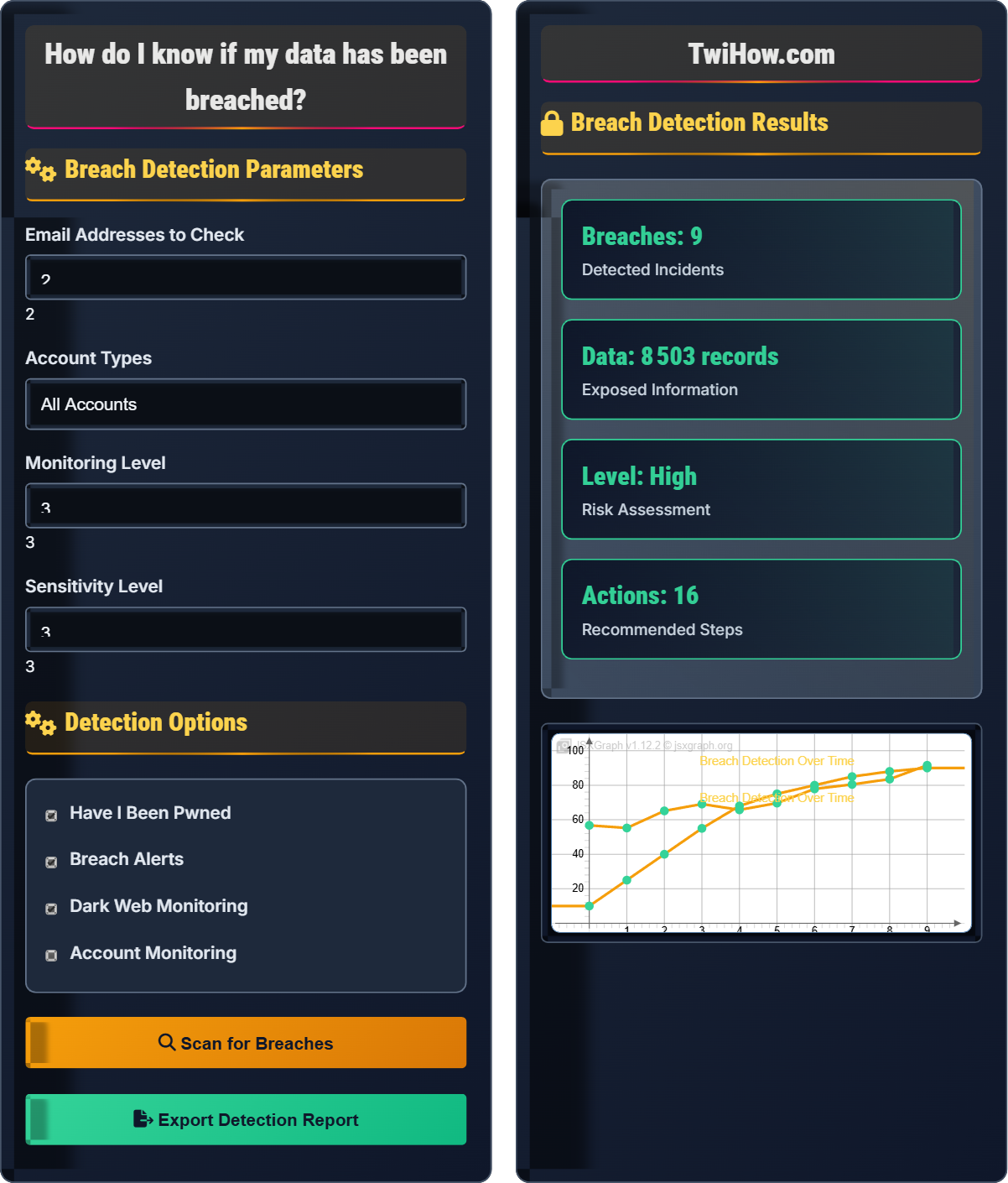
Breach Detection Parameters
Detection Options
Breach Detection Results
| Service | Date | Records | Risk Level |
|---|---|---|---|
| 2021-04-05 | 700M | High | |
| Yahoo | 2013-08-01 | 3B | Critical |
| Adobe | 2013-10-04 | 152M | High |
| Equifax | 2017-09-07 | 147M | Critical |
Data Breach Detection Explained
Data breaches occur when unauthorized individuals gain access to sensitive, protected, or confidential data. This can include personal information, financial records, login credentials, and other sensitive data. Detecting these breaches early is crucial for minimizing damage and protecting your digital identity.
Key concepts in data breach detection:
Core concepts include:
- Breach Notification Services: Tools that monitor for your data in breaches
- Behavioral Indicators: Signs suggesting account compromise
- Monitoring Tools: Services that track breach databases
- Response Protocols: Steps to take after discovering a breach
- Exposure Assessment: Determining what data was compromised
Major breach detection and monitoring services:
- Have I Been Pwned: Checks if your email appears in data breaches
- Firefox Monitor: Free breach notification service
- Google Alerts: Monitor for mentions of your information
- Identity Monitoring Services: Paid services for comprehensive monitoring
- Dark Web Monitoring: Services that scan hidden parts of internet
- Credit Monitoring: Track credit report changes
- Regular Checks: Monitor your accounts and emails periodically
- Sign Up for Alerts: Use breach notification services
- Watch for Signs: Monitor for suspicious account activity
- Secure Your Accounts: Use strong, unique passwords
- Enable 2FA: Add extra layer of security
- Stay Informed: Follow cybersecurity news and alerts
Breach Detection Fundamentals
Data breaches, breach detection, monitoring services, notification systems.
Breach_Probability = (Exposure_Risk × Threat_Level) ÷ Security_Controls
Where Breach_Probability = likelihood of compromise, Exposure_Risk = potential data exposure.
- Monitor regularly
- Respond quickly
- Secure immediately
Detection Methods
Proactive monitoring, behavioral analysis, alert systems, verification.
- Database monitoring
- Behavioral analysis
- Alert systems
- Manual verification
- Privacy concerns
- Alert frequency
- Response time
- Verification accuracy
Breach Detection Learning Quiz
Which service is the most well-known for checking if your email has appeared in data breaches?
Have I Been Pwned is the most well-known service for checking if your email has appeared in data breaches. Created by security researcher Troy Hunt, it aggregates data from various breaches and allows users to check if their email addresses have been compromised. The service is free and widely used by security professionals and the general public.
The answer is B) Have I Been Pwned.
Have I Been Pwned has become the de facto standard for breach detection because it aggregates data from numerous breaches in one searchable database. This makes it easier for users to check multiple breaches at once rather than searching each individual breach database separately.
Data Breach: Unauthorized access to sensitive information
Breach Database: Collection of compromised account information
Exposure: When personal information becomes publicly accessible
• Check regularly
• Use reputable services
• Verify results
• Check multiple email addresses
• Use phone numbers too
• Enable notifications
• Only checking once
• Not checking all accounts
• Ignoring results
What are behavioral indicators that suggest your data may have been compromised? How can you distinguish between normal account activity and suspicious activity?
Behavioral Indicators of Compromise:
Account Activity:
• Login attempts from unfamiliar locations or devices
• Multiple failed login attempts
• Unusual timing of logins (different time zones)
• Unexpected password reset requests
Financial Activity:
• Unrecognized transactions
• Changes to billing information
• Account settings modifications
• Suspicious purchase confirmations
Communication Indicators:
• Unexpected emails about account changes
• Messages sent from your account that you didn't send
• Contact requests to your connections
• Changes to contact information
Distinguishing Normal vs. Suspicious Activity:
• Context: Did you make the changes?
• Location: Are you traveling or could the location be correct?
• Timing: Does the timing make sense?
• Pattern: Does it match your usual behavior?
When in doubt, investigate immediately and secure your accounts.
Behavioral analysis relies on understanding your normal patterns and recognizing deviations. The key is establishing baseline behavior patterns that you can use to identify anomalies. This approach works well because attackers often behave differently than legitimate users.
Behavioral Analysis: Monitoring for unusual account activity
Baseline Behavior: Normal account usage patterns
Indicator of Compromise: Sign of potential security issue
• Monitor account activity regularly
• Enable login alerts
• Check account history
• Use location services
• Not monitoring activity
• Ignoring alerts
• Not understanding normal patterns
You've discovered that your email and password were exposed in a major data breach. Create a comprehensive response plan including immediate actions, medium-term security improvements, and long-term monitoring strategies.
Comprehensive Breach Response Plan:
Immediate Actions (0-24 hours):
• Change passwords on all affected accounts immediately
• Enable two-factor authentication if not already enabled
• Check for any unauthorized account changes
• Monitor financial accounts for suspicious activity
Medium-term Improvements (1-4 weeks):
• Update passwords on all accounts that use the same or similar passwords
• Review and update security questions
• Set up credit monitoring services
• Check other email addresses for exposure
Long-term Monitoring (ongoing):
• Subscribe to breach notification services
• Regularly check account statements
• Implement a password manager for unique passwords
• Monitor for suspicious account activity
Additional Steps:
• File reports with relevant authorities if financial data was compromised
• Consider credit freezes if sensitive information was exposed
• Educate yourself on phishing and social engineering tactics
• Create a personal incident response plan for future breaches
The response to a data breach requires both immediate action and long-term strategy. The immediate response stops the current threat, while the long-term strategy prevents future incidents and monitors for additional issues. The key is having a plan before a breach occurs.
Incident Response: Coordinated approach to addressing security incidents
Containment: Immediate actions to stop security threat
Recovery: Restoring normal operations after incident
• Act immediately
• Change all related passwords
• Monitor continuously
• Have a response plan ready
• Keep emergency contacts handy
• Document everything
• Only changing password on breached site
• Not monitoring other accounts
• Not taking long-term action
Explain what dark web monitoring is, how it works, and whether it's worth investing in for personal data protection. What are the benefits and limitations of dark web monitoring services?
Dark Web Monitoring Explained:
What It Is:
Dark web monitoring services scan hidden parts of the internet (dark web) where stolen data is often traded. These services look for your personal information like email addresses, passwords, Social Security numbers, and credit card information.
How It Works:
• Automated tools scan dark web marketplaces and forums
• Databases of known stolen information are searched
• When matches are found, users are notified
• Some services also monitor paste sites and other sources
Benefits:
• Early warning of potential identity theft
• Notification before you might otherwise know
• Peace of mind for some users
Limitations:
• Cannot prevent breaches from happening
• Only detects data already stolen
• Coverage may not be comprehensive
• Often expensive for personal use
Is It Worth It?
For most individuals, free services like Have I Been Pwned and credit monitoring are sufficient. Dark web monitoring may be valuable for high-risk individuals or businesses with sensitive information.
Dark web monitoring is often marketed as a premium security service, but its actual utility for average individuals is debatable. The dark web represents only one portion of where stolen data is traded, and the most effective protection is still good security hygiene and monitoring of accounts you actually use.
Dark Web: Hidden part of internet requiring special software
Paste Sites: Websites where stolen data is posted
Threat Intelligence: Information about potential security threats
• Free monitoring is often sufficient
• Focus on practical security
• Don't rely solely on monitoring
• Use free services first
• Consider your risk level
• Focus on account security
• Over-relying on monitoring services
• Not securing accounts properly
• Believing monitoring prevents breaches
When should you consider signing up for credit monitoring services after a data breach?
You should consider signing up for credit monitoring services when sensitive personal information like Social Security numbers, full names, addresses, or birth dates were compromised. This information can be used for identity theft, and credit monitoring helps detect fraudulent accounts opened in your name. While credit monitoring isn't foolproof, it provides valuable early detection of identity theft attempts.
The answer is B) When sensitive personal information like SSN or full name was compromised.
Credit monitoring is specifically valuable when identity theft is possible. Simply having your email or password exposed doesn't necessarily require credit monitoring, but having your full identity information compromised makes credit monitoring a prudent precaution. The key is understanding what information would enable identity theft.
Credit Monitoring: Service tracking changes to credit reports
Identity Theft: Using someone's personal information fraudulently
Identity Verification: Confirming someone's identity
• Monitor credit after identity exposure
• Consider credit freeze
• Check reports regularly
• Use free annual credit reports
• Consider credit freezes
• Set fraud alerts
• Not monitoring after identity exposure
• Not checking credit reports
• Ignoring fraud alerts
FAQ
Q: How often should I check if my data has been in a breach?
A: Regular breach monitoring schedule:
Monthly Checks:
• Use Have I Been Pwned to check your email addresses
• Review account security settings
• Check for any unusual activity notifications
Quarterly Reviews:
• Update passwords for critical accounts
• Review connected applications and permissions
• Check credit reports for unusual activity
Annual Assessment:
• Comprehensive security review
• Update security questions
• Evaluate security tools and services
After Major Breaches:
• Check immediately when major breaches are announced
• Monitor for several weeks after major incidents
Regular monitoring helps you stay aware of new breaches and respond quickly.
Q: What's the difference between data breaches and data leaks?
A: The difference between data breaches and data leaks:
Data Breach:
• Unauthorized access to systems/networks
• Usually involves hacking or exploiting vulnerabilities
• Often intentional by malicious actors
• Typically involves multiple types of data
Data Leak:
• Unintended exposure of data
• Often due to misconfigurations or human error
• May not involve unauthorized access
• Can be accidental exposure
Examples:
• Breach: Hacking into a database to steal records
• Leak: Misconfigured cloud storage exposing files publicly
Both result in exposure, but the methods and intent differ.
Q: How do I check if my children's information has been breached?
A: Checking for children's data breaches:
What to Monitor:
• Email addresses (if they have accounts)
• Gaming usernames and accounts
• Educational platform accounts
• Social media profiles
Monitoring Tools:
• Use Have I Been Pwned with their email addresses
• Check gaming platforms' security notifications
• Monitor school or educational service announcements
• Set up Google Alerts for their name and username
Protective Measures:
• Limit sharing of personal information
• Use privacy settings on platforms
• Educate about online safety
• Monitor their online activities appropriately
Special Considerations:
• Children's identities are attractive to fraudsters
• Social Security numbers may be more valuable
• Consider credit monitoring if SSN was exposed
Children's data is particularly valuable to criminals because it's often unused.