How Do I Protect My Children Online?
Child online safety • Digital parenting
Child Online Safety:
Safety Assessment ToolProtecting children online requires a multi-layered approach combining technology, education, and communication. Online safety encompasses privacy protection, cyberbullying prevention, content filtering, and digital literacy. The goal is to create a safe digital environment while teaching children responsible online behavior.
Key safety areas:
- Content Filtering: Blocking inappropriate websites and content
- Privacy Protection: Preventing sharing of personal information
- Communication Safety: Safe interaction with strangers and peers
- Cyberbullying Prevention: Identifying and addressing online harassment
- Digital Literacy: Teaching critical thinking and online etiquette
Effective online safety balances protection with education, preparing children to navigate the digital world responsibly.
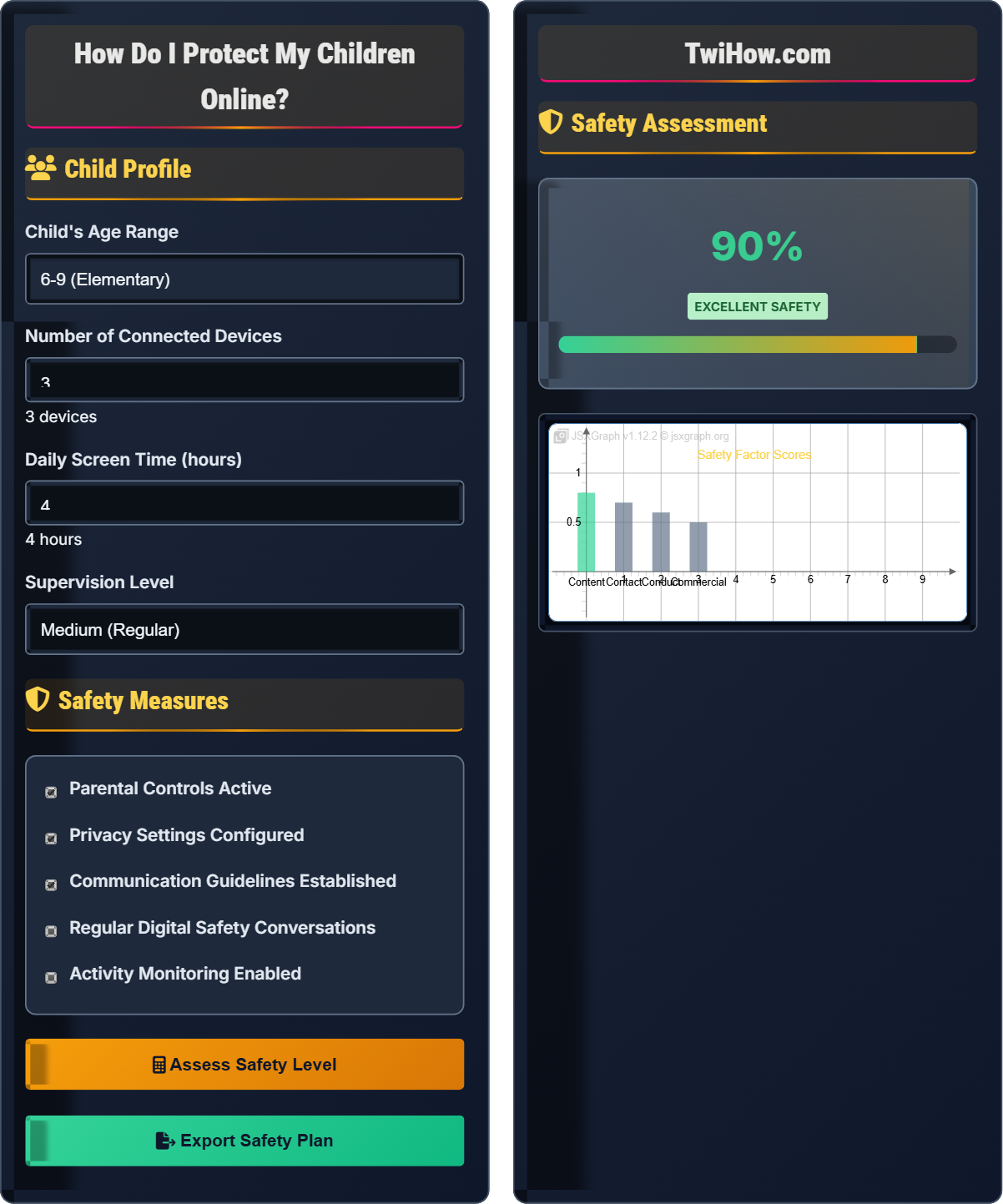
Child Profile
Safety Measures
Safety Assessment
Identified Risks
Protection Measures
Child Online Safety Fundamentals
Children face various online risks that require age-appropriate protection strategies. These risks include exposure to inappropriate content, cyberbullying, privacy violations, and contact with strangers. The severity and type of risks vary based on the child's age, online activities, and digital maturity level.
Overall safety level calculation:
Where:
- Protection Measures: Technical and parental controls in place
- Risk Factors: Exposure to potential dangers
- Education Factor: Child's digital literacy and awareness
Heavy filtering, close monitoring, limited access to social platforms.
Gradual independence, continued education, privacy awareness.
Focus on digital citizenship, consequences, and responsibility.
- Content Safety: Filtering inappropriate material and media
- Contact Safety: Protecting against unwanted contact with strangers
- Conduct Safety: Preventing cyberbullying and inappropriate behavior
- Commercial Safety: Protecting from inappropriate advertising and purchases
- Data Privacy: Preventing unauthorized collection of personal information
Age-Specific Safety Guidelines
- Use kid-safe browsers and apps only
- Keep devices in common areas
- Set time limits and stick to them
- Co-view and co-play content
- Teach basic privacy concepts ("don't tell strangers")
- Begin teaching about online strangers
- Set up parental controls on all devices
- Discuss what information is private
- Introduce concepts of kindness and respect online
- Start conversations about what to do if something feels wrong
- Allow limited social media with strict privacy settings
- Discuss cyberbullying and how to report it
- Teach about digital footprints and permanence
- Encourage critical thinking about online content
- Establish clear rules about sharing photos and information
- Emphasize consent and respect in digital interactions
- Discuss online dating and relationship safety
- Address academic integrity and digital plagiarism
- Teach about online reputation and future implications
- Maintain open communication about difficult topics
Technical Safety Tools
- Windows Family Safety: Built-in Microsoft controls
- iOS Screen Time: Apple's device management
- Google Family Link: Android device controls
- Net Nanny: Real-time content filtering
- K9 Web Protection: Free web filtering service
- Router Parental Controls: Block content at network level
- OpenDNS: DNS-based filtering for all devices
- Circle Home Plus: Physical device for network control
- Qustodio: Comprehensive cross-device protection
- Location Tracking: Know where devices are
- App Restrictions: Control which apps can be installed
- Usage Monitoring: Track screen time and activity
- Emergency Contact: Allow communication in emergencies
Child Online Safety Quiz
Which approach is most appropriate for protecting a 10-year-old's social media accounts?
For a 10-year-old, the most appropriate approach is collaborative setting of strict privacy settings with regular reviews. This balances safety with age-appropriate independence. At this age, children need guidance and supervision while learning digital responsibility. Completely prohibiting social media may not reflect real-world usage, while giving full access without restrictions is unsafe.
The answer is B) Set up strict privacy settings together and review regularly.
Child online safety requires age-appropriate strategies that match developmental stages. Younger children need more direct supervision and protection, while older children can handle more responsibility with guidance. The goal is to gradually transfer responsibility as children demonstrate digital maturity. This approach builds skills while maintaining safety.
Digital Maturity: Child's ability to handle online responsibilities
Graduated Independence: Gradually increasing digital freedom
Developmental Appropriateness: Matching safety to age level
• Match safety measures to age and maturity
• Involve children in safety decisions
• Regular reviews and adjustments
• Use teachable moments after incidents
• Model good digital behavior
• Create family media agreements
• Applying adult rules to children
• Not adjusting for developmental stage
• Prohibiting without explanation
Explain how to teach children to identify and respond to cyberbullying. What signs should parents watch for and what steps should children take when experiencing online harassment?
Teaching Identification: Explain that cyberbullying includes mean messages, spreading rumors, impersonation, exclusion from online groups, and sharing embarrassing content. It's persistent and can reach children anywhere.
Response Steps: 1) Don't respond to bullies, 2) Save evidence of harassment, 3) Block the bully, 4) Tell a trusted adult, 5) Report to platform moderators.
Warning Signs: Reluctance to use devices, emotional distress after online activity, secretive behavior, declining grades, withdrawal from friends.
Parent Actions: Document incidents, contact school if involved, involve authorities if threats present, support child emotionally.
Effective cyberbullying education must address both prevention and response. Children need to recognize cyberbullying as distinct from normal disagreements, understand that they're not at fault, and know specific steps to take. Parents must remain calm and supportive while taking concrete action. Early intervention is crucial to prevent escalation.
Cyberbullying: Repeated aggressive behavior using digital platforms
Digital Harassment: Unwanted harmful behavior online
Reporting Mechanisms: Platform tools for flagging abuse
• Never retaliate to bullies
• Tell trusted adults immediately
• Practice scenarios with children
• Establish code words for help
• Monitor changes in behavior
• Telling children to fight back
• Minimizing online bullying
• Not documenting incidents
Your 12-year-old child wants to join a new social media platform popular with their friends. The platform has a minimum age of 13, but many younger children use it. The child promises to follow all rules and insists their friends use it safely. Develop a safety strategy that balances your child's social needs with appropriate protections. Include specific technical and educational measures.
Strategy: Acknowledge the social importance while implementing safeguards.
Technical Measures: 1) Require access to account credentials, 2) Configure maximum privacy settings, 3) Enable activity monitoring, 4) Restrict posting and sharing capabilities.
Educational Measures: 1) Discuss platform-specific risks, 2) Review privacy settings together, 3) Establish clear usage rules, 4) Create reporting procedures for concerning content.
Compromise Approach: Allow access with strict conditions and regular check-ins, emphasizing that privileges depend on responsible behavior.
Real-world safety decisions require balancing protection with social development. Strict prohibition often leads to secret usage without safeguards. A conditional approach teaches responsibility while maintaining oversight. This demonstrates how safety measures must adapt to real-world pressures while maintaining core protective principles.
Conditional Access: Privileges granted with specific requirements
Social Development: Peer interaction and relationship building
Graduated Responsibility: Increasing freedoms with demonstrated maturity
• Prioritize safety over social pressure
• Maintain access to accounts
• Regular monitoring and review
• Negotiate as a family team
• Set trial periods for new platforms
• Celebrate responsible behavior
• Complete prohibition without discussion
• Unconditional access without oversight
• Not adapting to changing platforms
You want to teach your 14-year-old about the importance of privacy settings and the long-term implications of their digital footprint. Design an educational approach that makes these concepts tangible and memorable. Include specific activities and discussions that will help them understand the consequences of their online actions.
Educational Approach: Make abstract concepts concrete through practical exercises.
Activities: 1) Search for their own name online to see current footprint, 2) Role-play employer reviewing social media, 3) Create timeline showing how posts age over time, 4) Analyze real college admissions decisions affected by social media.
Discussions: Talk about permanent nature of digital content, discuss "grandma rule" (would you show grandma?), explain how algorithms work and what they learn about users.
Tools: Use privacy checkup tools together, review app permissions, show how data is collected and used.
This hands-on approach makes privacy implications tangible and memorable.
Abstract concepts like privacy and digital footprints are difficult for teens to grasp. Concrete experiences and visual demonstrations help them understand long-term implications. Active participation in privacy reviews creates ownership of the safety process. This approach transforms safety from parental restrictions to personal empowerment.
Digital Footprint: Permanent record of online activities
Privacy Settings: Controls limiting data sharing
Data Collection: Gathering of personal information
• Everything online is permanent
• Privacy settings can be changed by companies
• Friends can share your content
• Use real examples from news stories
• Show positive digital profiles
• Practice privacy reviews regularly
• Using fear-based tactics
• Not involving teens in decisions
• Assuming they understand consequences
Which of the following should be the highest priority when implementing online safety for children?
While technical controls are important, building trust and open communication is the highest priority. Without trust, children won't report problems, will find ways around restrictions, and won't learn critical thinking skills. Open communication allows parents to understand their child's online world, provide guidance, and intervene when necessary. Technical tools support this foundation but can't replace human judgment and relationship.
The answer is B) Building trust and open communication.
Effective child safety relies on relationships, not just technology. Trust creates an environment where children feel safe reporting problems and seeking help. Communication allows for adaptive responses to new situations and platforms. Technology tools are important supports but cannot replace human judgment, emotional support, and ongoing dialogue about digital citizenship.
Trust: Confidence in the parent-child relationship
Open Communication: Free exchange of information without punishment
Relationship-Based Safety: Safety built on mutual respect
• Communication precedes technology
• Trust enables safety reporting
• Relationships create lasting change
• Listen more than you lecture
• Stay curious about their online world
• Respond proportionally to issues
• Punishing for reporting problems
• Focusing only on restrictions
• Not staying current with platforms
FAQ
Q: How do I talk to my teenager about online safety without seeming like I don't trust them?
A: Frame safety conversations as preparation for independence rather than distrust. Use phrases like "I want to prepare you to make smart choices when I'm not around" or "These skills will help you stay safe in college." Involve them in setting safety guidelines, explain the reasoning behind rules, and acknowledge their growing maturity. Make safety discussions part of regular family conversations rather than interrogation sessions. Show interest in their online experiences and ask for their input on safety measures. This collaborative approach builds buy-in while maintaining necessary protections.
Q: What should I do if my child encounters inappropriate content despite safety measures?
A: Remain calm and avoid overreacting, as this might discourage future reporting. First, ensure your child feels safe and supported. Ask open-ended questions about what happened without judging their actions. Use the incident as a teaching opportunity to discuss why the content was inappropriate and how to handle similar situations. Review and strengthen safety measures if needed, but focus on education rather than punishment. Emphasize that encountering inappropriate content doesn't make them bad, but knowing how to respond appropriately does. Follow up to ensure they feel secure and understand the lessons from the experience.
Q: How can I help my grandchildren stay safe online when I barely understand technology myself?
A: Focus on the human aspects of online safety that transcend technology. Teach them about kindness, respect, and treating others well online just as you would in person. Encourage them to come to you with concerns without fear of punishment. Learn the basics of the platforms they use by asking them to teach you - this creates opportunities for safety discussions. Set up simple parental controls with help from other family members. Most importantly, maintain your role as a trusted adult they can turn to. Your wisdom about character and values is invaluable, even if you're not tech-savvy. Consider taking a digital safety course for grandparents to build confidence.