What is phishing and how can I avoid falling for it?
Complete phishing prevention guide • Step-by-step explanations
Phishing Prevention:
Show Phishing SimulatorPhishing is a cyber attack where fraudsters impersonate legitimate entities to steal sensitive information like passwords, credit card numbers, or personal data. These attacks often occur through deceptive emails, texts, or websites that appear trustworthy. Understanding phishing techniques and recognizing warning signs is crucial for protecting yourself from these common and evolving threats.
Phishing attacks have become increasingly sophisticated, often using social engineering tactics and personalized information to appear credible. Modern phishing attempts can be difficult to distinguish from legitimate communications, making awareness and verification practices essential for security.
Key concepts:
- Social Engineering: Manipulating people to reveal information
- Spoofing: Faking sender identity in communications
- URL Manipulation: Disguising malicious website addresses
- Urgency Tactics: Creating false sense of urgency to prompt action
Effective phishing prevention combines technical safeguards with user awareness and verification practices to create multiple layers of protection.
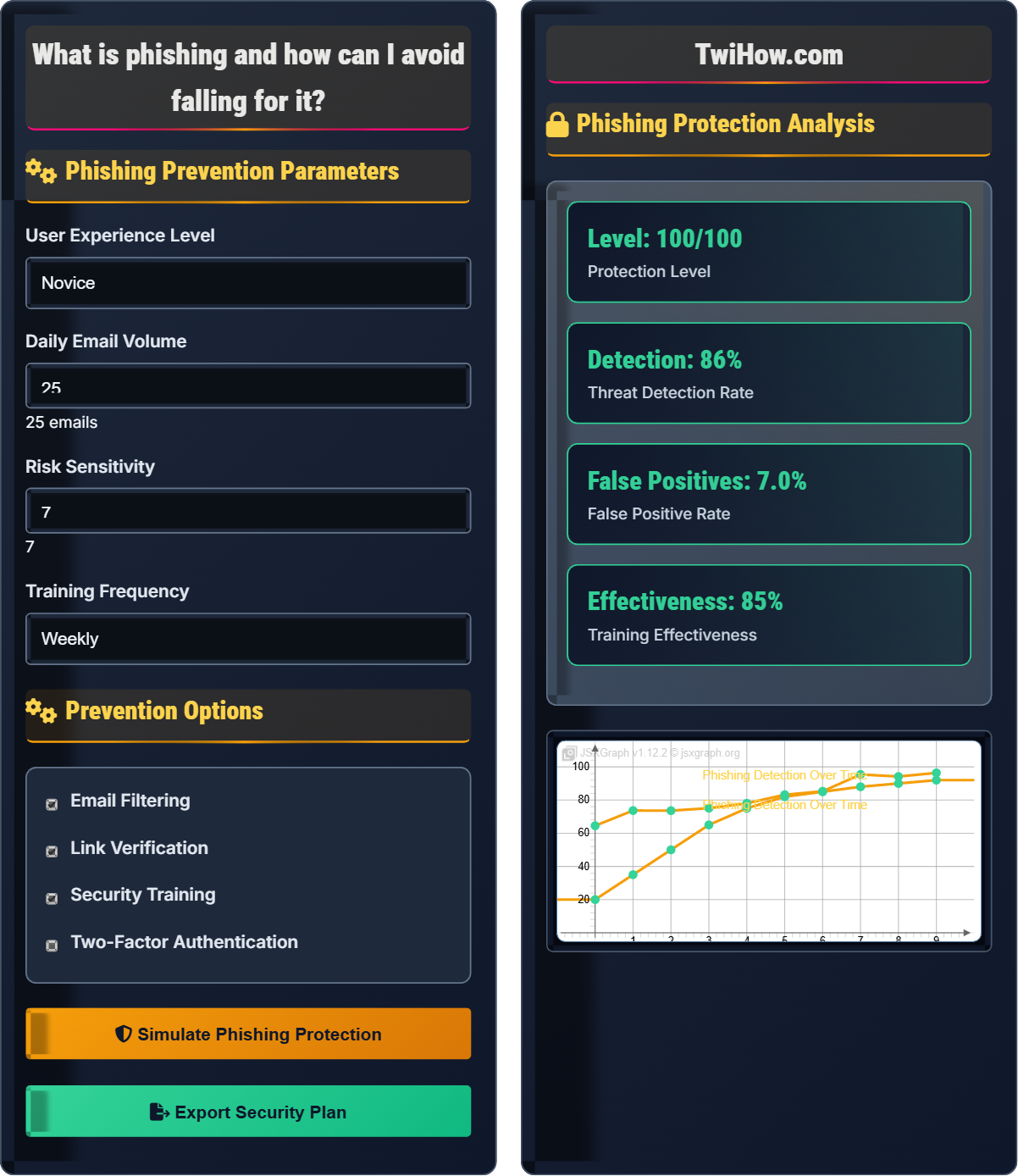
Phishing Prevention Parameters
Prevention Options
Phishing Protection Analysis
| Indicator | Severity | Frequency | Detection |
|---|---|---|---|
| Urgent Language | High | Common | ✓ Detected |
| Suspicious Links | Critical | Common | ✓ Detected |
| Generic Greetings | Medium | Frequent | ✓ Detected |
| Unexpected Attachments | High | Occasional | ✓ Detected |
Phishing Prevention Explained
Phishing is a cyber attack where fraudsters impersonate legitimate entities to steal sensitive information like passwords, credit card numbers, or personal data. These attacks often occur through deceptive emails, texts, or websites that appear trustworthy. Understanding phishing techniques and recognizing warning signs is crucial for protecting yourself from these common and evolving threats.
Key concepts in phishing prevention:
Core concepts include:
- Social Engineering: Manipulating people to reveal information
- Spoofing: Faking sender identity in communications
- URL Manipulation: Disguising malicious website addresses
- Urgency Tactics: Creating false sense of urgency to prompt action
- Personalization: Using personal information to appear credible
Major phishing prevention and detection tools:
- Email Filters: Gmail, Outlook, and enterprise email security
- Browser Extensions: Anti-phishing toolbars and extensions
- Security Software: Antivirus and anti-malware solutions
- Link Checkers: Services that verify URL safety
- Training Platforms: Phishing simulation and awareness tools
- Security Headers: DMARC, SPF, and DKIM for email authentication
- Verify Before Acting: Contact organizations through official channels
- Inspect URLs: Hover over links to see actual destination
- Look for Red Flags: Urgent language, generic greetings, spelling errors
- Enable Security Features: Use spam filters and security settings
- Use Strong Authentication: Enable two-factor authentication
- Stay Informed: Keep up with latest phishing techniques
Phishing Fundamentals
Phishing, social engineering, spoofing, URL manipulation, security awareness.
Phishing_Risk = (Exposure_Rate × Susceptibility) ÷ Defense_Effectiveness
Where Phishing_Risk = likelihood of being phished, Exposure_Rate = frequency of phishing attempts.
- Verify suspicious communications
- Never click suspicious links
- Enable security features
Prevention Strategies
Technical, behavioral, organizational, educational prevention methods.
- Technical safeguards
- Security awareness training
- Verification procedures
- Response protocols
- User education effectiveness
- Technical implementation
- False positive rates
- Continuous updates
Phishing Prevention Learning Quiz
Which of the following is the strongest indicator of a phishing email?
The strongest indicator of a phishing email is when it claims to be from a bank asking for login credentials. Legitimate banks never ask for sensitive information like passwords or login credentials via email. This is a classic phishing tactic designed to steal login information. While grammatical errors are also common in phishing emails, they can sometimes be absent in more sophisticated attacks.
The answer is B) The email claims to be from a bank asking for login credentials.
Legitimate organizations have strict policies about never requesting sensitive information through email. This is because email is not a secure communication channel. The "never" rule is a fundamental principle that makes this the strongest indicator of phishing, as it violates a basic security practice of legitimate organizations.
Phishing: Fraudulent attempt to obtain sensitive information
Impersonation: Pretending to be someone else
Sensitive Information: Confidential data that should be protected
• Banks never ask for passwords via email
• Legitimate organizations use secure portals
• Always verify through official channels
• Look for the "never" rule violations
• Contact organizations directly
• Use official contact methods
• Believing urgent bank emails
• Clicking "secure login" links
• Providing credentials via email
Explain how URL spoofing works in phishing attacks and describe techniques to identify spoofed URLs. What are some common URL manipulation tactics?
URL Spoofing in Phishing:
URL spoofing involves creating fake websites with addresses that closely resemble legitimate ones. Attackers use various techniques to deceive users about the actual destination of links.
Common Spoofing Techniques:
• Homograph Attacks: Using similar-looking characters (e.g., replacing 'o' with '0')
• Subdomain Manipulation: Adding fake subdomains (fake.bank.com instead of bank.com)
• URL Shorteners: Using shortened links to hide malicious destinations
• Unicode Characters: Using international characters that look similar to Latin letters
Identification Techniques:
• Hover over links to see the actual URL before clicking
• Look for HTTPS and valid SSL certificates
• Check for misspellings in domain names
• Verify that the URL matches the expected organization
• Use URL checking services to verify safety
Example: legitbank.com vs. leg1tbank.com vs. www.legitbank.fakesite.com
Always verify URLs before entering sensitive information.
URL spoofing exploits the fact that users often don't carefully examine URLs. Attackers use visual similarity and technical tricks to make malicious sites appear legitimate. The key to defense is developing the habit of carefully examining URLs before trusting them, especially when entering sensitive information.
URL Spoofing: Creating fake websites with similar addresses
Homograph Attack: Using similar-looking characters
Subdomain: Part of domain before main domain name
• Always verify the domain name
• Use bookmarks for important sites
• Check the padlock icon
• Use URL verification services
• Not verifying URLs
• Clicking without hovering
• Ignoring certificate warnings
Your company receives an email from what appears to be your CEO requesting an urgent wire transfer to a vendor account. The email seems legitimate with proper formatting and company logos, but you notice the domain is slightly different than usual. How would you handle this situation and what verification steps should you take?
Immediate Response:
• Do NOT initiate the wire transfer
• Do NOT reply to the suspicious email
• Do NOT click any links or attachments
Verification Steps:
• Check the email address carefully for domain differences
• Contact the CEO directly through verified phone number
• Use company directory to find official contact
• Report the incident to IT/security team
Additional Actions:
• Forward the suspicious email to security team
• Document the incident details
• Check if others received similar emails
• Review company policies for financial requests
Red Flags to Note:
• Unexpected urgent financial requests
• Slight domain variations
• Pressure to act quickly
• Circumventing normal approval processes
Never process financial transactions based on email requests without verification.
This scenario represents a Business Email Compromise (BEC) attack, which is a sophisticated form of phishing targeting financial transfers. The key is having established procedures for verifying sensitive requests and never bypassing security protocols, regardless of apparent urgency or authority.
Business Email Compromise: Phishing targeting business financial transfers
Domain Spoofing: Faking email domain to appear legitimate
Financial Request Scam: Phishing for money transfers
• Verify financial requests independently
• Never bypass approval processes
• Report suspicious emails
• Establish dual-approval for transfers
• Use official contact methods
• Document verification process
• Acting on urgent requests
• Not verifying authority
• Bypassing security procedures
You receive a text message claiming to be from your bank stating your account will be frozen unless you verify your identity by calling a phone number immediately. The message includes your name and references your account number. How do you identify if this is smishing (SMS phishing) and what steps should you take?
Smishing Indicators:
• Urgent Language: "Immediately" or "Right now" pressure tactics
• Threats: Account freezing or closure threats
• Verification Requests: Asking to call or provide information
• Personalization: Using your name and account info (could be from data breaches)
Proper Response:
• Do NOT call the provided number
• Do NOT respond to the text
• Contact your bank using official number from website
• Report the smishing attempt to your carrier
Verification Steps:
• Call your bank's official customer service
• Ask about your account status directly
• Report the suspicious message
• Block the sender number
Additional Actions:
• Check your account for unauthorized activity
• Enable SMS filtering if available
• Report to FTC and carrier
Remember: Legitimate banks never request sensitive information via SMS.
Smishing (SMS phishing) uses the same psychological tactics as email phishing but through text messages. The personalization doesn't make it legitimate - attackers often use information from data breaches. The key is to always verify through official channels rather than responding to unsolicited requests.
Smishing: Phishing via SMS/text messages
Text Phishing: Fraudulent text messages requesting action
Social Engineering: Manipulating people to reveal information
• Banks don't request info via SMS
• Verify through official channels
• Never call provided numbers
• Save official numbers in contacts
• Use banking apps for account info
• Block suspicious numbers
• Calling provided numbers
• Providing information via text
• Not verifying account status
What makes spear phishing more dangerous than regular phishing?
Spear phishing is more dangerous because it's personalized with specific information about the target. Attackers research their victims and craft messages that appear highly credible by including personal details, company information, or references to recent events. This personalization makes the messages much more convincing and harder to identify as fraudulent.
The answer is B) It's personalized with specific information about the target.
Spear phishing represents a higher level of sophistication in social engineering. The personalization makes the message appear legitimate and trustworthy, bypassing the initial skepticism that generic phishing attempts might trigger. This is why verification through independent channels is crucial, regardless of how legitimate the message appears.
Spear Phishing: Targeted phishing with personalized information
Whaling: Spear phishing targeting executives
Pretexting: Creating a fabricated scenario to gain trust
• Verify even personalized messages
• Use independent verification
• Be skeptical of urgent requests
• Research before responding
• Verify through separate communication
• Be aware of data breaches
• Trusting personalized messages
• Not verifying authority
• Acting on urgency
FAQ
Q: How can I tell if an email is legitimate or phishing?
A: Look for these indicators:
Red Flags:
• Urgent language ("Act now!" or "Immediate action required")
• Generic greetings ("Dear Customer" instead of your name)
• Requests for sensitive information
• Spelling or grammar errors
• Suspicious URLs or mismatched domains
Legitimate Signs:
• Official domain names matching known organizations
• Personalized greetings with your actual name
• Links that go to official websites
• References to specific account details
• No pressure for immediate action
Best Practice:
Always verify by contacting the organization directly through official channels, not through information in the email.
Q: What are the most effective technical controls against phishing?
A: Most effective technical controls:
Email Security:
• DMARC, SPF, and DKIM for email authentication
• Advanced threat protection for email
• Sandboxing for email attachments
Browser Security:
• Safe browsing protection
• Anti-phishing toolbars
• URL filtering services
Endpoint Protection:
• Next-generation antivirus
• Endpoint Detection and Response (EDR)
• Application whitelisting
Network Security:
• Web filtering appliances
• DNS-based filtering
• Network segmentation
However, technical controls should be combined with user awareness training for maximum effectiveness.
Q: How do I teach my children about phishing?
A: Teaching children about phishing:
Age-Appropriate Concepts:
• Explain "tricks" in emails that try to fool people
• Use simple analogies (fake letters asking for passwords)
• Emphasize not sharing passwords with anyone
Practical Skills:
• Show them how to identify suspicious emails
• Teach them to ask parents before clicking links
• Practice identifying fake vs. real messages
Safe Habits:
• Always verify with parents before sharing information
• Never give out passwords or personal info online
• Use parental controls and monitoring
Real-World Examples:
• Show examples of phishing attempts
• Explain why companies don't ask for passwords
• Discuss consequences of phishing
Start early with simple concepts and build complexity as they mature.