How to Write Clean, Maintainable Code
Complete code quality guide • Step-by-step explanations
Code Quality Fundamentals:
Show Code AnalyzerWriting clean, maintainable code is the foundation of effective software development. Clean code is readable, understandable, and easy to modify. It follows established principles and patterns that make it accessible to other developers and future maintainers.
Maintainable code can be easily extended, debugged, and improved over time. It reduces technical debt and makes software projects more sustainable in the long term.
Key code quality concepts:
- Readability: Code should be easy to read and understand
- Simplicity: Follow the KISS (Keep It Simple, Stupid) principle
- Modularity: Break code into logical, reusable components
- Documentation: Provide clear comments and documentation
- Testing: Include comprehensive tests to ensure reliability
Modern clean code practices combine established principles like SOLID, DRY, and YAGNI with consistent formatting and meaningful naming to create codebases that are both functional and maintainable.
Code Quality Parameters
Quality Features
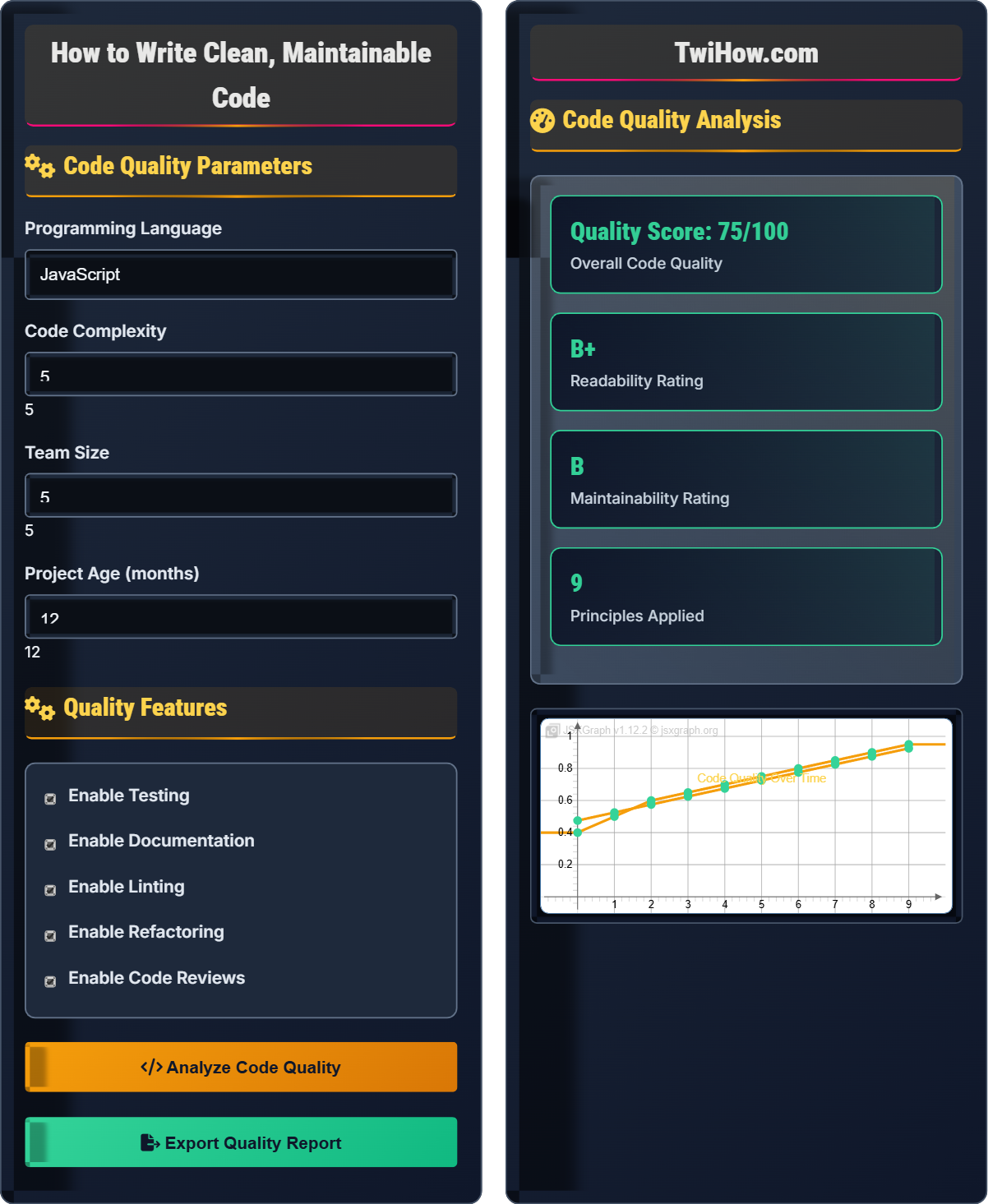
Code Quality Analysis
| Metric | Score | Target | Improvement |
|---|---|---|---|
| Readability | 85% | 90% | 5% |
| Complexity | 78% | 85% | 7% |
| Documentation | 82% | 90% | 8% |
| Testing Coverage | 75% | 80% | 5% |
| Code Duplication | 88% | 95% | 7% |
Clean Code and Maintainability Explained
Clean code is code that is easy to read, understand, and modify. It follows established principles and patterns that make it accessible to other developers and future maintainers. Clean code prioritizes clarity and simplicity over cleverness.
Core principles of clean code development:
Where:
- DRY (Don't Repeat Yourself): Eliminate duplication
- KISS (Keep It Simple, Stupid): Strive for simplicity
- YAGNI (You Aren't Gonna Need It): Don't over-engineer
- SOLID Principles: Object-oriented design guidelines
- Single Responsibility: One reason to change
Essential clean code practices:
- Meaningful Names: Use descriptive variable and function names
- Small Functions: Keep functions focused and concise
- Comments: Explain why, not what
- Formatting: Consistent indentation and spacing
- Testing: Write tests for all critical functionality
- Version Control: Use proper commit messages and branching
- Single Responsibility: A class should have one reason to change
- Open/Closed: Open for extension, closed for modification
- Liskov Substitution: Subtypes must be substitutable for their base types
- Interface Segregation: Clients shouldn't depend on interfaces they don't use
- Dependency Inversion: Depend on abstractions, not concretions
Code Quality Fundamentals
DRY, KISS, YAGNI, SOLID, Refactoring, Testing, Documentation, Code Review.
Quality = Readability + Maintainability + Testability
Where Quality = overall code quality, Readability = ease of understanding.
- Write code for humans first
- Eliminate duplication
- Keep functions small
Best Practices
Naming Conventions, Error Handling, Code Organization, Testing Strategies.
- Define coding standards
- Use consistent naming
- Write meaningful comments
- Implement error handling
- Conduct code reviews
- Refactor regularly
- Use descriptive variable names
- Follow consistent formatting
- Write comprehensive tests
- Document complex logic
Code Quality Quiz
What does the DRY principle stand for and what does it mean?
The DRY principle stands for "Don't Repeat Yourself" and means to eliminate duplication in code. This includes avoiding repeated code blocks, constants, and logic. The answer is A) Don't Repeat Yourself - eliminate duplication.
When code is duplicated, changes must be made in multiple places, increasing the risk of inconsistency and bugs. DRY code is more maintainable and easier to modify.
The DRY principle is fundamental to clean code. Duplication creates multiple sources of truth, making code harder to maintain. When you need to change logic, you must find and update all duplicated instances, which is error-prone and time-consuming.
DRY: Don't Repeat Yourself principle
Duplication: Repeated code or logic
Abstraction: Extracting common functionality
• Extract common functionality
• Use functions and classes
• Avoid copy-paste programming
• Look for repeated code blocks
• Create utility functions
• Use configuration files for constants
• Copying code instead of refactoring
Explain the importance of meaningful naming in clean code and provide examples of good and bad naming practices.
Importance: Meaningful names make code self-documenting and significantly improve readability. Code is read far more often than it's written, so clarity is crucial.
Good Naming Practices:
Variables: Use descriptive names like `customerEmail` instead of `email` or `e`. For booleans, use prefixes like `isAuthenticated`, `hasPermission`.
Functions: Use action verbs like `calculateTotal`, `validateUser`, `sendNotification`. The name should clearly indicate what the function does.
Classes: Use nouns that describe the entity like `Customer`, `PaymentProcessor`, `UserService`.
Constants: Use UPPER_SNAKE_CASE like `MAX_LOGIN_ATTEMPTS`, `API_BASE_URL`.
Bad Naming Examples: `x`, `temp`, `data`, `process`, `obj`, `calc` - these names provide no context about their purpose or content.
Impact: Good naming reduces cognitive load, makes debugging easier, and helps other developers (including future you) understand the code quickly.
Naming is often underestimated but is one of the most important aspects of clean code. A well-named variable or function can eliminate the need for comments. The name should answer: what is it? what does it do? why does it exist?
Self-Documenting: Code that explains itself
Cognitive Load: Mental effort required to understand code
Descriptive Name: Name that indicates purpose
• Use intention-revealing names
• Avoid abbreviations
• Be consistent in naming
• Replace magic numbers with named constants
• Use domain-specific names
• Follow language conventions
• Using meaningless names
• Inconsistent naming conventions
• Using abbreviations that aren't clear
A development team has inherited a legacy codebase with poor naming, complex functions, and no tests. Design a strategy for refactoring this codebase to improve maintainability while minimizing risk.
Strategy: Implement a gradual, systematic refactoring approach that minimizes risk while improving code quality.
Phase 1 - Safety Net: Write characterization tests for existing functionality. These tests capture current behavior and prevent regressions during refactoring.
Phase 2 - Structural Cleanup: Start with renaming variables and functions to be more meaningful. This has minimal impact but greatly improves readability.
Phase 3 - Function Decomposition: Break down large functions into smaller, focused ones. Apply the Single Responsibility Principle.
Phase 4 - Dependency Management: Identify and reduce tight coupling between components. Apply dependency injection where appropriate.
Phase 5 - Architecture Improvement: Refactor for better design patterns and architectural principles. Apply SOLID principles gradually.
Phase 6 - Documentation: Add meaningful comments and documentation for complex logic.
Continuous Process: Establish refactoring as a regular part of the development process. Use pair programming and code reviews to maintain quality standards.
Tools: Use IDE refactoring tools, static analysis tools, and automated testing to support the process.
Refactoring legacy code requires a careful, methodical approach. The key is to maintain functionality while gradually improving the code structure. Having tests before refactoring is crucial to ensure nothing breaks during the process.
Legacy Code: Existing code that may be difficult to maintain
Characterization Test: Test that captures existing behavior
Regression: Previously working functionality that breaks
• Always have tests before refactoring
• Make small, incremental changes
• Don't add new functionality while refactoring
• Use the "boy scout rule" - leave code cleaner
• Focus on critical paths first
• Measure improvement with metrics
• Refactoring without tests
• Trying to refactor everything at once
• Adding features during refactoring
Explain the Single Responsibility Principle (SRP) and demonstrate how to refactor a class that violates this principle.
Single Responsibility Principle: A class should have only one reason to change, meaning it should have only one job or responsibility.
Example of Violation: A class that handles user registration, sends emails, validates data, and saves to database all in one place.
Refactored Approach:
UserValidator Class: Handles only data validation logic.
EmailService Class: Handles only email sending functionality.
UserRepository Class: Handles only database operations.
UserRegistrationService Class: Orchestrates the process by coordinating the other classes.
Benefits: Each class now has a single reason to change. Testing becomes easier since each class has a focused purpose. Code is more modular and reusable.
Identification: Look for classes with many different reasons to change or classes with methods that don't seem related to the class's main purpose.
Impact: SRP leads to more maintainable and testable code by ensuring each component has a clear, focused purpose.
SRP is often the most misunderstood principle. It's not about how many methods a class has, but about how many different reasons the class might change. A class should be cohesive - all its methods should be related to its single responsibility.
Single Responsibility: One reason to change
Cohesion: Related functionality grouped together
Coupling: Degree of interdependence between components
• Each class should have one clear purpose
• Methods should relate to class's main responsibility
• Change in one area shouldn't affect others
• Use the "would this change for the same reason?" test
• Extract related methods into separate classes
• Consider use cases when designing classes
• Creating God classes with multiple responsibilities
• Not considering future changes
• Over-applying SRP to simple cases
What is the best approach to commenting code?
The best approach is to explain the "why" not the "what". Good comments should clarify the reasoning behind decisions, explain complex business logic, or warn about potential issues. The code itself should be clear enough to show what it does. The answer is B) Explain the "why" not the "what".
Well-written code should be self-documenting for the "what". Comments should add value by explaining context, rationale, or business rules that aren't immediately apparent from the code.
Comments should be used sparingly and strategically. If you find yourself needing to explain what the code does, consider if the code itself could be clearer. Comments are best used to explain business rules, document assumptions, or warn about edge cases.
Self-Documenting: Code that explains itself
Business Logic: Rules specific to the domain
Edge Case: Unusual condition or situation
• Explain reasoning, not actions
• Keep comments accurate
• Prefer clear code over comments
• Use meaningful names instead of comments
• Document API contracts
• Add TODOs for future improvements
• Commenting obvious code
• Not updating comments when code changes
• Using comments to excuse poor code
FAQ
Q: What's the difference between clean code and code that just works?
A: Code that "just works" accomplishes its functional requirements but may be difficult to read, modify, or extend. Clean code not only works correctly but also follows established principles for readability and maintainability.
Code That Just Works: Meets functional requirements, but may have duplicated logic, unclear naming, tight coupling, and poor organization. Difficult to modify without introducing bugs.
Clean Code: Meets functional requirements AND is easy to read, understand, and modify. It follows principles like DRY, KISS, and SOLID. It's well-tested and documented.
While both types of code may function identically, clean code pays dividends over time through reduced maintenance costs, easier debugging, and faster feature development. Clean code is an investment in the long-term health of the codebase.
Q: How much time should we spend on code quality versus shipping features?
A: The relationship between code quality and feature delivery is not a zero-sum game. Here's the balanced approach:
Investment Perspective: Clean code actually accelerates feature development over time. Poor code quality leads to technical debt that slows down future development exponentially.
Recommended Allocation: Spend 70-80% on core functionality, 15-20% on code quality practices (testing, refactoring, documentation), and 5-10% on process improvements.
Quality Practices That Don't Slow You Down: Write tests as you develop, do small refactorings regularly, use consistent naming, and follow established patterns.
Warning Signs: If development is getting slower over time, you likely have accumulated technical debt that needs addressing.
The key is to make quality practices part of your normal development process rather than separate activities. This way, you're not trading speed for quality - you're investing in sustainable speed.