What are Containerization and Docker, and Why Use Them?
Complete Docker guide • Step-by-step explanations
Containerization Fundamentals:
Show ContainerizerContainerization is a lightweight virtualization technology that packages applications and their dependencies into portable, isolated units called containers. Docker is the most popular containerization platform that simplifies the creation, deployment, and management of containers.
Containers share the host operating system kernel while maintaining process isolation, making them more efficient than traditional virtual machines. This technology revolutionizes how applications are developed, tested, and deployed.
Key containerization concepts:
- Containers: Isolated, lightweight runtime environments
- Images: Immutable templates for creating containers
- Orchestration: Managing container lifecycles at scale
- Registry: Storage for container images
- Microservices: Architectural pattern enabled by containers
Modern containerization combines portability, efficiency, and consistency to streamline software delivery across different environments and platforms.
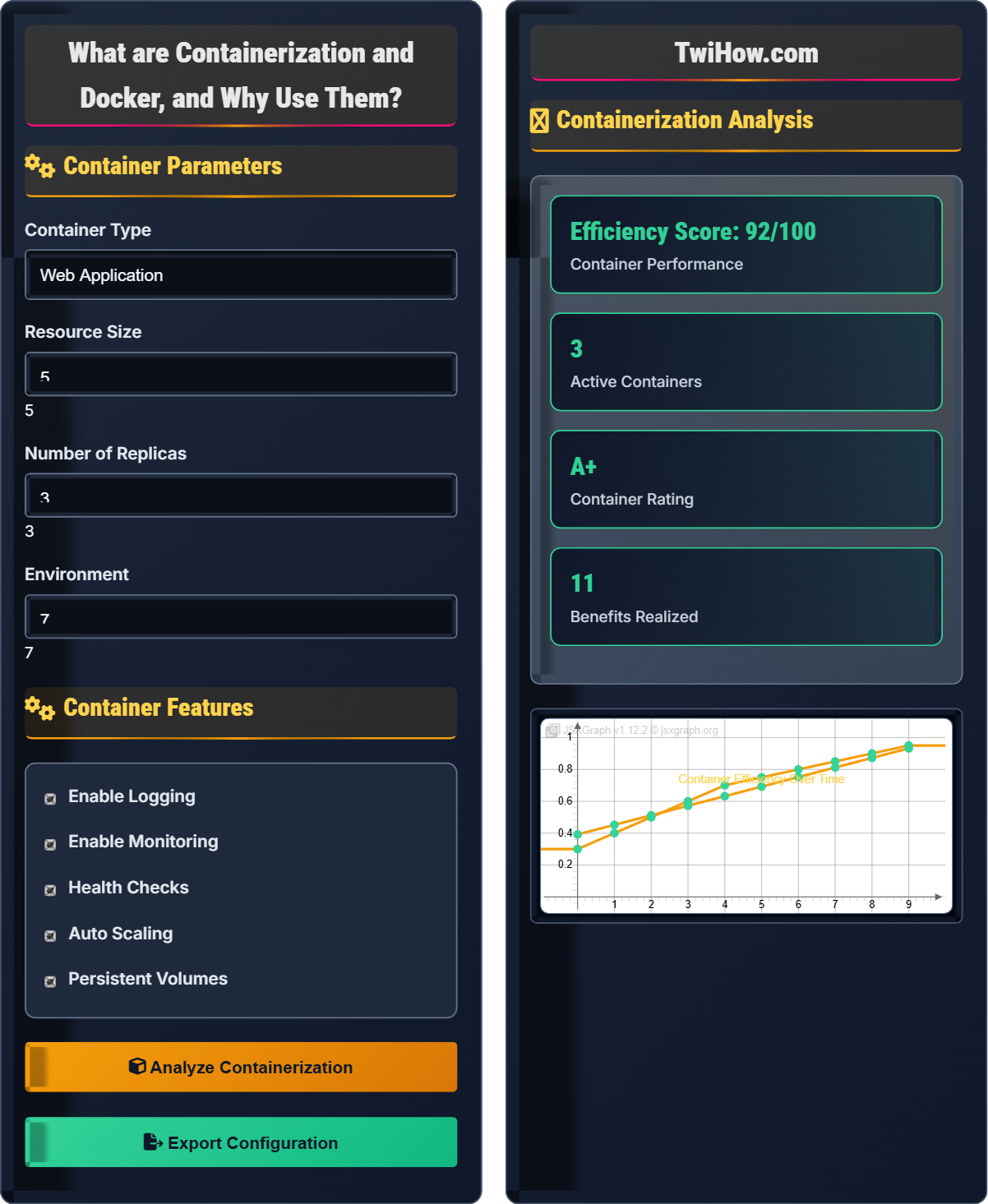
Container Parameters
Container Features
Containerization Analysis
| Setting | Value | Optimal | Recommendation |
|---|---|---|---|
| Resources | 500MB RAM, 0.5 CPU | Yes | Good fit |
| Replicas | 3 | Yes | High availability |
| Health Checks | Enabled | Yes | Recommended |
| Auto Scaling | Enabled | Yes | Optimal |
| Logging | JSON | Yes | Structured |
Containerization and Docker Explained
Containerization is a lightweight virtualization technology that packages applications and their dependencies into portable, isolated units called containers. Unlike traditional virtual machines that virtualize hardware, containers virtualize the operating system, sharing the host kernel while maintaining process isolation.
Key advantages of containerization:
Where:
- Portability: Run consistently across different environments
- Efficiency: Lower resource overhead than VMs
- Speed: Fast startup and deployment times
- Isolation: Process and filesystem isolation
- Version Control: Immutable container images
Comparison of containerization approaches:
- Virtual Machines: Full OS virtualization, high overhead, slower startup
- Containers: OS-level virtualization, low overhead, fast startup
- Use Cases: VMs for isolation, containers for portability and scaling
- Resource Utilization: Containers use 5-10x less resources
- Startup Time: Containers start in seconds vs minutes for VMs
- Deployment Density: Hundreds of containers per host vs few VMs
- Kubernetes: Industry standard for container orchestration
- Docker Swarm: Native Docker clustering solution
- Amazon ECS: Managed container orchestration
- Google GKE: Kubernetes Engine
- Microsoft AKS: Azure Kubernetes Service
- Service Mesh: Istio, Linkerd for advanced networking
Container Fundamentals
Container, Image, Registry, Orchestration, Microservices, Dockerfile, Volume, Network.
Container = Application + Dependencies + Filesystem + Runtime
Where Container = isolated runtime environment, Application = user code.
- One process per container
- Immutable images
- Stateless by default
Docker Ecosystem
Docker, Kubernetes, Docker Compose, Helm, Podman, Containerd, runc.
- Write Dockerfile
- Build image
- Push to registry
- Deploy to cluster
- Monitor and scale
- Update and maintain
- Use minimal base images
- Multi-stage builds
- Non-root users
- Health checks
Containerization Quiz
What is the main difference between containers and virtual machines?
The main difference is that virtual machines use hypervisors to virtualize hardware and run complete operating systems, while containers virtualize the operating system and share the host kernel. This makes containers much more lightweight and efficient. The answer is B) VMs use hypervisors, containers share kernel.
VMs provide stronger isolation but with higher overhead. Containers provide process isolation with lower overhead and faster startup times.
This is a fundamental concept in containerization. Understanding the difference between VMs and containers is crucial for choosing the right technology for your use case. The shared kernel approach of containers enables their efficiency and portability advantages.
Hypervisor: Software that creates and manages virtual machines
Kernel: Core of the operating system
Process Isolation: Separating container processes
• Containers share host kernel
• VMs have full OS virtualization
• Containers start faster
• Use VMs for strong isolation
• Use containers for scaling
• Consider hybrid approaches
• Confusing containers with VMs
Explain the purpose of a Dockerfile and describe the key instructions used in Dockerfiles.
Purpose: A Dockerfile is a text document containing instructions to build a container image. It defines the environment and configuration for running an application in a container.
Key Instructions:
FROM: Specifies the base image to use as the starting point for the container.
RUN: Executes commands during the image build process, such as installing packages.
COPY: Copies files from the host system into the container image.
ADD: Similar to COPY but with additional features like URL support and archive extraction.
WORKDIR: Sets the working directory for subsequent instructions.
EXPOSE: Documents which ports the container listens on at runtime.
CMD: Provides default command to run when the container starts.
ENTRYPOINT: Configures the container to run as an executable.
ENV: Sets environment variables in the container.
VOLUME: Creates mount points for persistent storage.
Best practices include using minimal base images, multi-stage builds, and avoiding storing sensitive data in images.
A Dockerfile is essentially a recipe for building a container image. Each instruction creates a new layer in the image, and Docker optimizes builds by caching layers. Understanding Dockerfile instructions is essential for creating efficient and secure container images.
Dockerfile: Text file with instructions to build image
Base Image: Starting point for building image
Layer: Incremental changes in container image
• Order instructions for layer caching
• Use minimal base images
• Don't store secrets in Dockerfiles
• Combine RUN commands to reduce layers
• Use .dockerignore to exclude files
• Multi-stage builds for smaller images
• Installing unnecessary packages
• Using root user unnecessarily
• Not optimizing layer caching
A company with 50 developers needs to containerize their microservices architecture consisting of 20 services. Design a comprehensive containerization strategy including development workflow, CI/CD, and deployment considerations.
Development Workflow: Implement local development using Docker Compose for service orchestration. Each developer gets identical local environments. Use volume mounts for live code reloading during development.
Image Management: Create a private container registry (Harbor, AWS ECR) for storing images. Implement semantic versioning for images. Use multi-stage builds to minimize image sizes and security surface.
CI/CD Pipeline: Integrate containerization into CI/CD pipeline. On code commit, build container image, run security scans, execute tests, and push to registry. Tag images with git commit SHA and version.
Deployment Strategy: Use Kubernetes for orchestration with rolling updates for zero-downtime deployments. Implement health checks, readiness probes, and liveness probes for service reliability.
Configuration Management: Use ConfigMaps and Secrets for environment-specific configurations. Implement service discovery using DNS names within the cluster.
Monitoring & Logging: Deploy monitoring stack (Prometheus, Grafana) and centralized logging (ELK stack). Implement distributed tracing for microservices debugging.
Security: Implement image scanning, RBAC policies, network policies, and runtime security monitoring.
Containerizing a microservices architecture requires considering the entire development lifecycle. The strategy must address development, testing, deployment, and operational concerns while maintaining consistency across environments.
Microservices: Architectural pattern with small services
Registry: Storage for container images
Rolling Update: Gradual service replacement
• Maintain environment parity
• Implement proper monitoring
• Secure container images
• Use namespaces for separation
• Implement blue-green deployments
• Use service meshes for advanced networking
• Not implementing proper security
• Poor resource allocation
• Insufficient monitoring
A startup needs to choose between Docker Swarm and Kubernetes for orchestrating their containerized application. Compare the two options and recommend the best choice based on different criteria.
Docker Swarm: Native clustering tool for Docker. Simpler to set up and manage. Integrates seamlessly with Docker CLI. Good for small to medium deployments.
Kubernetes: Industry standard with extensive ecosystem. More complex but more powerful. Excellent for large-scale, complex deployments.
Criteria Comparison:
Setup Complexity: Swarm is simpler (3 commands vs hours for Kubernetes). Kubernetes requires more infrastructure planning.
Learning Curve: Swarm has gentler learning curve. Kubernetes has steeper curve but more career opportunities.
Scalability: Kubernetes excels at large-scale deployments. Swarm adequate for smaller setups.
Ecosystem: Kubernetes has vast ecosystem of tools and services. Swarm has smaller but growing ecosystem.
Recommendation: For startup with limited resources and simple needs, start with Docker Swarm. For complex applications or plans for rapid scaling, choose Kubernetes.
Consider managed services like AWS ECS, Google GKE, or Azure AKS to reduce operational overhead.
Choosing orchestration technology depends on your specific requirements, team expertise, and growth plans. Both options have valid use cases, and the decision should be based on practical considerations rather than trends.
Orchestration: Managing container lifecycles
Managed Service: Cloud provider handles infrastructure
Cluster: Group of connected nodes
• Match complexity to needs
• Consider team expertise
• Plan for growth
• Start simple and upgrade
• Use managed services when possible
• Invest in learning resources
• Over-engineering for simple needs
• Not planning for operational complexity
• Ignoring learning curve
Which of the following is the most important security practice when running containers?
Running containers as a non-root user is the most important security practice. If a container is compromised, running as non-root limits the potential damage and prevents privilege escalation. The answer is B) Running containers as non-root user.
While all options contribute to security, running as non-root provides the strongest security boundary by limiting what a compromised container can do on the host system.
Container security follows the principle of least privilege. Running containers as non-root is a fundamental security practice that significantly reduces the attack surface. This is especially important given that containers share the host kernel.
Non-root User: User without administrative privileges
Privilege Escalation: Gaining higher access rights
Least Privilege: Minimum required permissions
• Always use non-root users
• Scan images for vulnerabilities
• Limit container capabilities
• Use USER instruction in Dockerfile
• Implement runtime security scanning
• Use security contexts in Kubernetes
• Running containers as root
• Not scanning for vulnerabilities
• Giving excessive capabilities
FAQ
Q: What's the difference between Docker Compose and Kubernetes?
A: Docker Compose and Kubernetes serve different purposes:
Docker Compose: Local development and single-host orchestration. Uses YAML files to define multi-container applications. Simple to set up and use. Good for development and testing environments.
Kubernetes: Production-grade orchestration for clusters. Manages containers across multiple hosts. Handles scaling, load balancing, service discovery, and fault tolerance. More complex but more powerful.
Use Docker Compose when: Developing locally, testing multi-container apps, or running simple deployments on a single host.
Use Kubernetes when: Deploying to production, requiring high availability, scaling across multiple nodes, or needing advanced features like auto-scaling and rolling updates.
Many teams use both: Docker Compose for development and Kubernetes for production.
Q: How much time and resources does it take to containerize an application?
A: The time and resources for containerization vary based on complexity:
Simple Application (1-3 days): Basic web app with few dependencies. Create Dockerfile, test locally, deploy to staging.
Medium Application (1-2 weeks): Multi-service app with databases. Containerize all services, implement CI/CD, set up monitoring.
Complex Application (2-4 weeks): Enterprise system with legacy components. Refactor for containerization, implement security, set up orchestration.
Resources Needed: Developer time, container registry, infrastructure for testing, monitoring tools.
ROI: Typically achieved within 3-6 months through improved deployment speed, reduced environment inconsistencies, and better resource utilization.
Start with a pilot project to evaluate the effort and benefits before committing to full containerization.