What is API Design and What Are Best Practices?
Complete API design guide • Step-by-step explanations
API Design Fundamentals:
Show API DesignerAPI (Application Programming Interface) design is the process of creating well-defined interfaces that allow different software applications to communicate with each other. Good API design enables developers to build scalable, maintainable, and interoperable systems.
APIs serve as contracts between different software components, defining how they interact and exchange data. Well-designed APIs are crucial for building robust, scalable applications and enabling third-party integrations.
Key API design concepts:
- REST Architecture: Representational State Transfer principles
- HTTP Methods: GET, POST, PUT, DELETE, PATCH for CRUD operations
- Resource Naming: Consistent and intuitive endpoint structures
- Response Format: JSON, XML, or other standardized formats
- Authentication: Secure access control mechanisms
Modern API design emphasizes consistency, simplicity, and developer experience to ensure APIs are easy to understand, implement, and maintain.
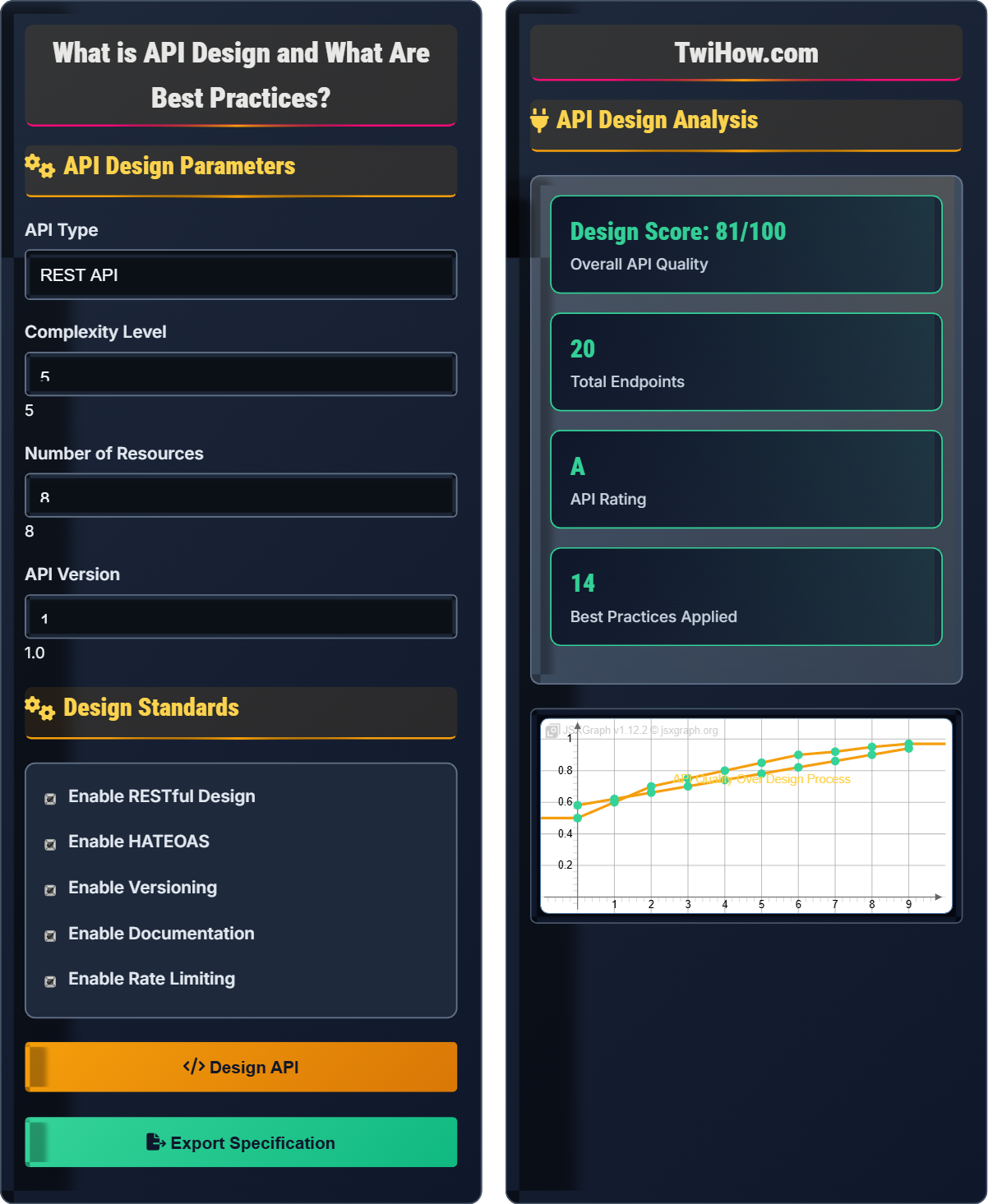
API Design Parameters
Design Standards
API Design Analysis
| Endpoint | Method | Description | Security |
|---|---|---|---|
| /users | GET | Get all users | Bearer Token |
| /users/{id} | GET | Get user by ID | Bearer Token |
| /users | POST | Create new user | Bearer Token |
API Design Explained
API (Application Programming Interface) design is the process of creating well-defined interfaces that allow different software applications to communicate with each other. Good API design enables developers to build scalable, maintainable, and interoperable systems.
REST (Representational State Transfer) is an architectural style that defines a set of constraints for creating web services:
Where:
- Stateless: Each request contains all necessary information
- Client-Server: Separation of concerns between client and server
- Cacheable: Responses can be cached for better performance
- Uniform Interface: Consistent and predictable endpoints
- HATEOAS: Hypermedia as the Engine of Application State
Essential API design best practices:
- Consistent Naming: Use nouns for resources, verbs for operations
- Proper HTTP Status Codes: Use appropriate codes for different scenarios
- Versioning: Plan for API evolution with versioning strategies
- Error Handling: Provide meaningful error responses
- Rate Limiting: Protect against abuse and ensure fair usage
- Documentation: Maintain comprehensive and up-to-date docs
- Resource-Based: Organize around resources and their relationships
- Collection-Item: Distinguish between collections and individual items
- Filtering/Sorting: Use query parameters for data manipulation
- Pagination: Handle large datasets efficiently
- Sub-resources: Model relationships between resources
- Batch Operations: Support bulk operations when needed
API Fundamentals
REST, HTTP Methods, Endpoints, Resources, JSON, XML, Authentication, Rate Limiting.
Endpoint = Base URL + Resource + Action
Where Endpoint = API endpoint, Base URL = root address, Resource = data object.
- Use nouns for resources
- Use HTTP methods for actions
- Be consistent in naming
Design Patterns
Resource-Based, Collection-Item, Filtering, Pagination, Sub-resources, Batch Operations.
- GET /users - Retrieve all users
- POST /users - Create a new user
- GET /users/{id} - Get specific user
- PUT /users/{id} - Update user
- DELETE /users/{id} - Delete user
- Use plural nouns for resources
- Use appropriate HTTP status codes
- Provide meaningful error messages
- Implement proper authentication
API Design Quiz
Which of the following is NOT one of the core REST architectural constraints?
The six core REST architectural constraints are: Client-Server, Stateless, Cacheable, Uniform Interface, Layered System, and Code on Demand (optional). Session Affinity violates the stateless constraint of REST, as it requires maintaining session state on the server between requests. The answer is C) Session Affinity.
REST APIs should be stateless, meaning each request must contain all the information necessary to understand and process the request, without relying on server-side session state.
Understanding REST constraints is crucial for proper API design. The stateless constraint is fundamental to REST because it ensures scalability, reliability, and simplicity. When servers don't need to maintain session state, they can handle requests independently, making the system more robust and easier to scale.
REST: Representational State Transfer
Stateless: No server-side session state
Session Affinity: Requests tied to specific server instances
• REST APIs must be stateless
• Each request must be self-contained
• Avoid server-side session storage
• Use JWT tokens for stateless authentication
• Include all necessary data in requests
• Consider caching for performance
• Maintaining server-side session state
Explain the importance of using proper HTTP status codes in API design and provide examples of when to use 200, 201, 400, 401, 404, and 500.
Importance: HTTP status codes provide semantic meaning about the outcome of a request, helping clients understand the result and take appropriate action. They are part of the uniform interface constraint in REST and enable proper error handling and debugging.
200 OK: Successful GET, PUT, or DELETE requests. Example: Successfully retrieved user data.
201 Created: Successful POST request that resulted in creation of a resource. Example: Successfully created a new user account.
400 Bad Request: Client sent malformed request or invalid data. Example: Missing required fields in request body.
401 Unauthorized: Authentication required or failed. Example: Invalid or missing authentication token.
404 Not Found: Requested resource doesn't exist. Example: User with specified ID doesn't exist.
500 Internal Server Error: Unexpected server error occurred. Example: Database connection failure.
Proper status codes enable clients to programmatically handle different outcomes and improve API usability.
HTTP status codes serve as a communication protocol between API and client. They provide immediate feedback about request success or failure without requiring clients to parse response bodies. This makes APIs more predictable and easier to integrate with, improving the developer experience.
Status Code: Standardized response code indicating request outcome
Client Error: 4xx codes indicating client-side issues
Server Error: 5xx codes indicating server-side issues
• Use appropriate status codes consistently
• Follow HTTP specification guidelines
• Provide meaningful error messages
• Use 204 for successful DELETE with no response body
• Consider 422 for validation errors
• Document status codes in API documentation
• Using 200 for all responses
• Returning 500 for client errors
• Not documenting status codes
A company wants to build an e-commerce API with products, categories, orders, and customers. Design a RESTful API structure following best practices, including proper resource naming, HTTP methods, and authentication strategy.
Resource Structure: Use plural nouns for collections: /products, /categories, /orders, /customers. Follow consistent naming conventions throughout.
HTTP Methods: GET for retrieval, POST for creation, PUT/PATCH for updates, DELETE for removal. For example: GET /products for listing, POST /products for creation, GET /products/{id} for specific product.
Relationships: Model sub-resources appropriately: /customers/{id}/orders, /products/{id}/reviews. Use query parameters for filtering: /products?category=electronics&price[gte]=100.
Authentication: Implement token-based authentication using JWT or OAuth 2.0. Use standard headers: Authorization: Bearer {token}. Protect sensitive endpoints while keeping public ones accessible.
Error Handling: Return appropriate HTTP status codes and structured error responses with message, code, and details. Implement rate limiting to prevent abuse.
Versioning: Use URI versioning: /api/v1/products or custom headers for version control to ensure backward compatibility.
Designing a comprehensive API requires thinking about all resources and their relationships. The key is to create a logical, consistent structure that's intuitive for developers to use. Consider the data model, business logic, and how different resources relate to each other when designing the API structure.
JWT: JSON Web Token for stateless authentication
OAuth 2.0: Authorization framework for API accessSub-resources: Resources that belong to another resource
• Use plural nouns for resources
• Be consistent in naming conventions
• Implement proper authentication
• Use hypermedia links for discoverability
• Implement pagination for large datasets
• Consider API gateway for management
• Inconsistent resource naming
• Not handling relationships properly
• Weak authentication implementation
A development team needs to update their existing API to add new features while maintaining backward compatibility. Explain different versioning strategies and recommend the best approach for this scenario.
URI Versioning: Include version in the URL: /api/v1/users, /api/v2/users. Pros: Simple to implement, clear version identification. Cons: Violates REST principles, creates multiple URIs for same resource.
Header Versioning: Use custom headers: Accept-Version: 1.0, X-API-Version: 2.0. Pros: Keeps URI clean, follows REST principles. Cons: Less visible, harder to cache.
Query Parameter Versioning: Include version in query: /users?version=1.0. Pros: Simple implementation. Cons: Creates cache issues, not ideal for REST.
Recommendation: For maintaining backward compatibility while adding new features, URI versioning (/api/v1/, /api/v2/) is often preferred because it's explicit, easy to understand, and allows both versions to coexist. However, header-based versioning is more RESTful if implemented properly.
The choice depends on factors like team preferences, existing infrastructure, and client capabilities. The key is to choose one strategy and apply it consistently across the entire API.
API versioning is crucial for maintaining backward compatibility while evolving your API. The strategy you choose affects how clients interact with your API and how you manage different versions. Consider the trade-offs of each approach based on your specific requirements and constraints.
Backward Compatibility: New API versions work with old clients
Versioning: Managing API evolution over time
RESTful: Following REST architectural principles
• Maintain backward compatibility
• Use consistent versioning strategy
• Document version differences
• Deprecate old versions gradually
• Use feature flags for gradual rollouts
• Monitor usage of different versions
• Changing API behavior without versioning
• Mixing different versioning strategies
• Not documenting version changes
Which authentication method is most appropriate for a public REST API that needs to be consumed by multiple third-party applications?
OAuth 2.0 is the most appropriate authentication method for a public REST API consumed by multiple third-party applications. OAuth 2.0 provides secure delegated access, allowing third-party applications to access the API on behalf of users without sharing credentials. It supports various grant types and scopes for different use cases. The answer is C) OAuth 2.0.
OAuth 2.0 enables secure authorization flows that protect both the API provider and consumers while allowing fine-grained access control through scopes.
Different authentication methods serve different purposes. Basic Authentication transmits credentials in plain text over HTTPS. API Keys are good for identifying applications but not for user delegation. Session Cookies are primarily for web applications. OAuth 2.0 is designed specifically for scenarios where third parties need access to resources on behalf of users.
OAuth 2.0: Authorization framework for delegated access
API Key: Identifier for application authentication
Basic Auth: Simple username/password authentication
• Use OAuth 2.0 for third-party access
• Never transmit credentials in plain text
• Implement proper scope management
• Use PKCE for public clients
• Implement refresh tokens for long-lived access
• Consider OpenID Connect for identity
• Using Basic Auth for public APIs
• Sharing credentials between applications
• Not implementing proper scope limits
FAQ
Q: What's the difference between REST and GraphQL, and when should I use each?
A: REST and GraphQL are different approaches to API design:
REST: Resource-based architecture with fixed endpoints. Each endpoint returns a predetermined set of data. Clients must make multiple requests to gather related data. Follows HTTP standards closely.
GraphQL: Query-based architecture where clients specify exactly what data they need. Single endpoint that accepts queries describing required data. More flexible but requires different tooling.
Use REST when: You have well-defined resources, need broad ecosystem support, want simpler implementation, or have caching requirements.
Use GraphQL when: You need flexible data fetching, have complex nested data relationships, want to reduce over-fetching/under-fetching, or have rapidly evolving client requirements.
Many organizations use both approaches depending on the use case, with REST for public APIs and GraphQL for internal applications.
Q: How important is API documentation, and what tools should we use?
A: API documentation is critically important - it's often the first interaction developers have with your API. Poor documentation can make even the best API unusable. Good documentation:
Increases adoption: Developers can quickly understand and integrate with your API
Reduces support costs: Self-service integration reduces support burden
Ensures proper usage: Clear examples prevent misuse and errors
Recommended tools: OpenAPI/Swagger for specification, Swagger UI for interactive documentation, Postman for testing, and tools like Stoplight or Redoc for enhanced documentation. Consider automated documentation generation from code annotations to keep docs synchronized with implementation.
Invest in documentation as much as you invest in the API itself - it's often what determines whether your API succeeds or fails in the market.